About 46% of Google searches have local intent. Yet most small businesses never see where they actually rank. Local SEO software exists to close that gap. It tracks your map position, fixes your listings, and manages reviews.
Here is the frustrating part. Your Google Business Profile looks complete from the inside. But your phone number may be wrong on Yelp. And you might rank first outside your shop, then vanish two miles away. Every wrong listing sends a customer to a competitor instead.
This guide compares six tools by the job each one fixes. You will see real prices per location, not sticker prices. You will also learn which tools keep your listings live after you cancel. Then you can pick one and stop guessing.
Key Points:
- Local SEO software does four separate jobs. Listings, map rank tracking, reviews, and Google Business Profile management. No single tool performs all four tasks equally well.
- Start with Google Business Profile. It’s free, but you must claim and complete your profile before any paid tool can work properly.
- Choose for the problem, not the features. Moz Local fixes listings from $16 per location. Local Falcon shows your real map rank from $24.99. BrightLocal covers most jobs from $39.
- Compare cost per location, not sticker price. A $99 plan covering three shops beats a $49 plan covering one.
- Ask what happens when you cancel. Rented listings drift back to old data. Permanent citations stay live.
- One location often needs no paid software at all. Claim your profile, list on Yelp and Apple Maps by hand, then ask for reviews.
What local SEO software actually does
Local SEO software tracks your map rankings, fixes your business listings, and manages your reviews from one dashboard. It targets location-based searches, not national ones. Think “plumber near me” or “dentist in Austin.” Tools like Ahrefs track your entire site. Local tools focus on the Google Map Pack, Google Maps, Apple Maps, and Bing Places.
Most platforms handle four jobs: listing and citation management, geo-grid rank tracking, review management, and Google Business Profile optimization. No single tool handles all four tasks well. First, identify which job fails. A rank tracker will not fix a wrong phone number on Yelp.
The 6 best local SEO tools right now
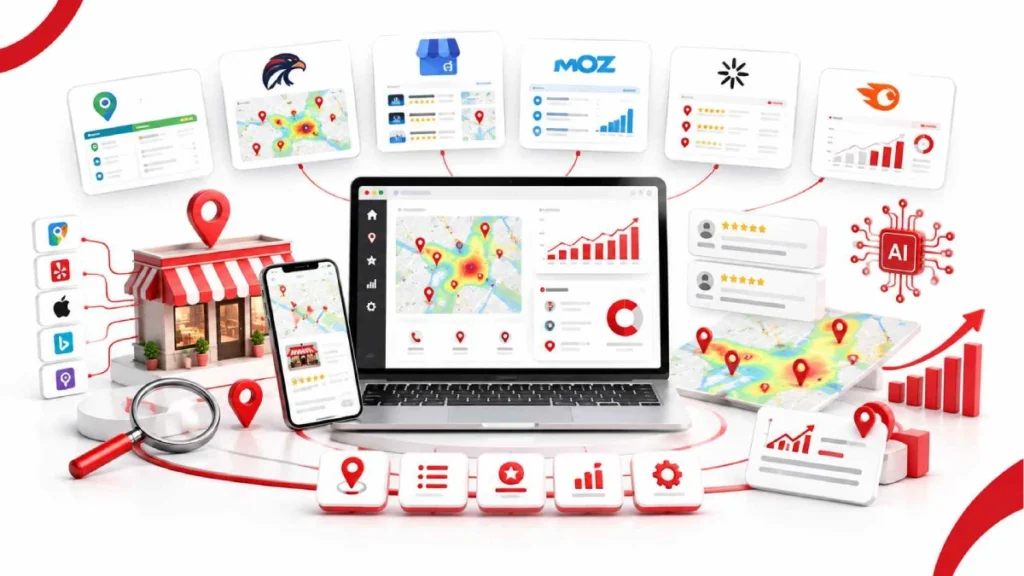
The six best local SEO tools are Google Business Profile, BrightLocal, Local Falcon, Moz Local, Whitespark, and Semrush Local. Each one solves a different problem. Google Business Profile is free and non-negotiable. The other five cost money and cover specific jobs.
Choose based on what fails, not on how many features a tool offers. If your listings are wrong, start with Moz Local. If you cannot see your map position, use Local Falcon.
BrightLocal: best all-in-one
BrightLocal is the closest thing to a single platform for small businesses and agencies. It bundles rank tracking, citation monitoring, review management, and client reporting. Most tools cover one or two of those jobs.
The standout feature is how it builds citations. You pay per listing, once. So your citations stay live even after you cancel. That is different from subscription-based tools, which we cover further down.
Benefits
- Covers four jobs in one login: tracking, citations, reviews, and audits
- Local Search Grid shows your rank across a map grid, not one average
- Citation Tracker watches 100+ directories like Yelp, Apple Maps, and Foursquare
- White-label reports let agencies add their own logo
- 14-day free trial, no card required
Limitations
- Review tools sit on the higher tier, not the entry plan
- Citation building costs extra on top of your monthly fee
- Slower to learn than single-job tools like Local Falcon
- Reports can take a while to generate
- Weaker on backlinks and technical audits than Ahrefs or Semrush
Key features
- Local Rank Tracker: tracks up to 100 keywords per location
- Local Search Grid: shows your Maps rank across a grid of points
- Citation Tracker: monitors 100+ directory sources
- Citation Builder: pay-per-listing submissions you keep
- Reputation Manager: review alerts and replies in one inbox
- GBP tools: profile audits and post scheduling
- Reporting: white-label dashboards for clients
BrightLocal pricing
- Track, from $39/mo: rank tracking, geo-grid, citation monitoring, audits
- Manage, from $49/mo: adds active listing sync and posting
- Grow, from $59/mo: adds review monitoring and response tools
- Citation Builder: roughly $2.00 to $3.20 per listing, paid once
- Annual billing: cuts the monthly price by about 25%
- Extra locations: price scales as you add them
Local Falcon: best for seeing where you really rank
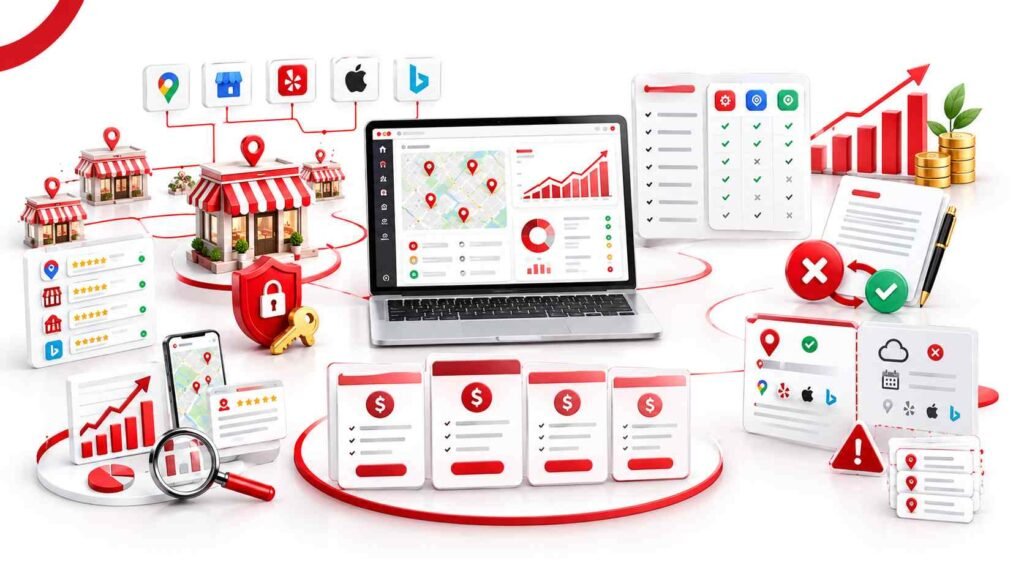
Local Falcon shows your Google Maps rank from dozens of exact points across your service area, not one city average. It drops a grid of pins on a map. Then it runs your keyword from each pin.
The result is a heat map. Green pins mean you sit in the top three. Red pins mean you do not show up at all. Most owners find their rankings drop sharply just a mile or two from the shop.
Benefits
- Shows exactly where your visibility stops, block by block
- Competitor overlay reveals who outranks you at each pin
- Falcon AI reads your scan and suggests what to fix first
- Tracks Apple Maps too, not only Google Maps
- Unlimited keywords and locations on every plan
- Connects to Zapier and an API for agency reporting
Limitations
- Rank tracking only, so it will not fix citations or manage reviews
- Credit pricing is hard to predict until you run a few scans
- Credits expire monthly and do not roll over
- Large grids burn credits fast on broad keywords
- Beginners can find the data overwhelming at first
Key features
- Geo-grid scans: grid sizes from 3×3 up to 15×15 pins
- Heat map view: green, yellow, and red pins by position
- Competitor overlay: see rival businesses at every pin
- Falcon AI: written analysis of each scan
- Share of Local Voice: one score to track progress over time
- Scheduled scans: run weekly or monthly on autopilot
- White-label reports: brand them for clients
Local Falcon pricing
- Starter, $24.99/mo: 7,500 credits
- Basic, $49.99/mo: 15,150 credits
- Pro, $99.99/mo: 31,250 credits
- Enterprise, $199.99/mo: 63,000 credits
- Pay-as-you-go: $0.05 per credit, and these never expire
One pin scanned equals one credit. So a 7×7 grid costs 49 credits per keyword. Run that weekly and you use about 196 credits a month.
Here is the part worth noting. Plan credits work out near $0.003 each, while pay-as-you-go credits cost $0.05. That is roughly 15 times more, so buy a plan if you scan often.
Google Business Profile: the free starting point
Google Business Profile is a free listing that helps your business appear on Google Search and Maps. It is the base layer of local SEO. No paid tool works well until you claim and complete this profile first.
You manage it from one dashboard. Hours, categories, photos, and services all sit there. Google reports that people are 2.7 times more likely to trust a business with a complete profile.
Benefits
- Free, with no feature locked behind a paywall
- Updates go live on Google directly, with no third-party delay
- Insights show search terms, phone calls, and direction requests
- Reply to reviews from the same dashboard
- Google Posts let you share offers, events, updates, and news.
- Works for storefronts and service-area businesses like plumbers or electricians
Limitations
- No rank tracking, so you cannot see where you place across your city
- No competitor data, only your own numbers
- Covers Google, not Apple Maps, Bing Places, or Yelp
- Anyone can suggest edits, and some go live without your approval
- No bulk tools, so managing 10+ locations gets slow
Key features
- Business info: name, address, phone, hours, and categories
- Google Posts: short updates, offers, and event notices
- Photos and video: upload from the dashboard or your phone
- Q&A: answer common customer questions publicly
- Reviews: monitor and reply in one place
- Performance insights: views, searches, calls, and direction clicks
- Messaging and booking: connect chat or appointment tools
Google Business Profile pricing
- Free. Every feature costs nothing.
- No paid tier exists. Google does not sell upgrades.
- You cannot pay for better rankings. Google states that local results depend on relevance, distance, and prominence.
That last point matters. So if a vendor promises paid placement in the Map Pack, treat it as a red flag.
Moz Local: cheapest way to fix your listings
Moz Local pushes your business details to 90+ directories and keeps them in sync, starting at $16 per location. You enter your name, address, and phone once. Moz sends it out to Google, Apple Maps, Bing, Facebook, and Yelp.
Setup takes about 15 minutes. It also hunts down duplicate listings, which quietly split your local authority. Most owners find at least one they never knew about.
Benefits
- Lowest entry price of any listing tool on this list
- Fast setup, with no technical steps
- Finds and suppresses duplicate listings automatically
- Search Visibility Score shows listing health at a glance
- Review alerts included on every plan, even the cheapest
- Good fit for chains and franchises managing 10+ locations
Limitations
- No real rank tracking, so pair it with Local Falcon
- 90+ directories miss niche ones for dentists, lawyers, or contractors
- Competitor tracking sits on higher tiers only
- Listings can revert to old data after you cancel
- No deep citation research like Whitespark offers
Key features
- Listing distribution: syncs to 90+ directories and data aggregators
- Duplicate suppression: finds and merges conflicting listings
- Search Visibility Score: one number for listing health
- Review monitoring: alerts from Google, Yelp, and Facebook
- Review responses: reply from the dashboard on Preferred and up
- Social posting: schedule updates across channels
- Listings AI: automated suggestions on the Elite plan
Moz Local pricing
- Lite, $16/mo per location: distribution, review monitoring, basic alerts
- Preferred, $24/mo per location: adds review replies, social posting, competitor tracking
- Elite, $33/mo per location: adds AI tools and deeper reporting
- Billing note: these are annual prices, so monthly costs more
- Scaling: you pay per location, so 5 shops on Lite runs $80/mo
One warning before you buy. Moz keeps your data locked through ongoing feeds. So your listings may drift back to old details once you stop paying. We explain that in the cancellation section below.
Whitespark: best for citation research
Whitespark identifies the exact directories that list your competitors, so you can close the gap. Most tools blast your details to the same generic list. Whitespark works backwards from rivals who already rank.
That matters in tough niches. Think dentists, personal injury lawyers, and HVAC contractors. Standard directories like Yelp and Foursquare are table stakes there. Local chambers of commerce and trade association listings often break the tie.
Benefits
- Digs up niche sources that automated tools skip
- Shows which directories competitors use that you do not
- Local Rank Tracker covers city, ZIP, and device-level results
- Sold as separate products, so you buy only what you need
- Manual citation building is available, done by real people
- No long contracts, and monthly billing throughout
Limitations
- Costs add up fast if you buy several tools together
- No free trial, so you pay before you can test it.
- Interface looks plain next to BrightLocal or Localo
- Geo-grid tracking arrived later and feels less polished than Local Falcon
- Not built for one-click listing distribution
Key features
- Local Citation Finder: discovers competitor and niche citation sources
- Local Rank Tracker: rankings by city, ZIP code, and device
- Local Ranking Grids: map-based view of your positions
- Reputation Builder: collects and monitors customer reviews
- Local Platform: GBP management and bulk edits
- Local Search Audit: flags listing and profile problems
- Manual citation service: humans submit your listings by hand
Whitespark pricing
- Local Citation Finder: from $33/mo, up to $149/mo on agency plans
- Local Rank Tracker: from $14/mo, scaling with keyword volume
- Local Platform: around $1/mo per location
- Reputation Builder: roughly $79/mo per location
- Full stack: budget $128/mo or more before multi-location fees
- Citation building service: priced per site, quoted as a package
Here is the trade-off. Buying one product is cheap. Buying four costs more than BrightLocal’s top tier.
Semrush Local: best if you already pay for Semrush
Semrush Local adds map tracking, listings, and review tools to an existing Semrush account, from $30 per location. It is an add-on, not a standalone product. So the math only works if you already use Semrush daily.
Everything sits in one dashboard. Your keyword research, site audits, and local data share the same login. That saves time for teams juggling five tools already.
Benefits
- Local and organic SEO reporting live in one place
- Map Rank Tracker gives geo-grid data without a second tool
- AI writes GBP posts and drafts review replies
- Listing distribution reaches 70+ directories on higher tiers
- Review Analytics compares your ratings against competitors
- Keyword research feeds straight into local tracking
Limitations
- Only makes sense if you already pay for Semrush
- Map Rank Tracker credits run out fast on the base plan
- Local tools feel secondary to Semrush’s core products
- AI review replies read generic without editing
- Steeper learning curve than a single-job tool
Key features
- GBP Optimization: manage profiles, schedule posts, approve edits
- Map Rank Tracker: geo-grid scans with credits by tier
- Listing Management: distribution across 70+ directories
- Review Management: alerts, replies, and AI auto-response
- Review Analytics: benchmark against local rivals
- Position Tracking: website rankings by city or ZIP code
- Keyword Magic Tool: finds local and near me search terms
Semrush Local pricing
- Local Base, $30/mo per location: GBP tools, reviews, 375 tracker credits
- Local Essentials, $50/mo per location: adds Listing Management and higher limits
- Local Pro, $60/mo per location: adds API access and 1,225 credits
- Extra campaigns: about $10/mo each
- Extra credits: roughly $5 per 1,000
- Free option: 50 credits on a free Semrush account, enough for one small scan
A quick credit check. An 11×11 grid scan uses 121 credits. So Local Base covers roughly three scans a month.
Which one should you pick?
Pick based on what is broken right now, not the longest feature list. Claim your Google Business Profile first, then add one paid tool. Wrong details across directories? Start with Moz Local at $16 per location. No idea where you rank on Maps? Use Local Falcon from $24.99. Want everything in one login? BrightLocal from $39. Stuck on page two in a tough niche like dentistry or law? Whitespark finds the citations your rivals use.
Here is the honest part. A single-location business can often skip paid local SEO software entirely. Claim your profile, list on Yelp, Apple Maps, and Bing Places by hand, then ask customers for reviews. Paying makes sense once you lack the time, cannot see why rivals outrank you, or manage more than one location.
Mistakes that waste money
Most local SEO budgets leak in four places, not because the tools fail, but because buyers pick the wrong one. Each mistake below costs real money every month. Fix them before you upgrade anything.
- Paying rent on listings that never change. Your address has not moved in five years. So paying $400+ a year to keep it locked makes little sense. Pay once for permanent citations instead.
- Running two listing tools at the same time. Moz Local and Semrush Local both push your data out. Conflicting feeds create duplicate listings on Yelp and Apple Maps.
- Scanning huge grids on broad keywords. A 15×15 grid burns 225 credits per keyword. Save the big scans for terms that bring calls.
- Expecting software to do the ranking. Tools measure and manage. Your categories, reviews, and proximity decide the Map Pack.
- Chasing obscure directories while your profile sits half empty. Citations build trust slowly. Google Business Profile categories and review velocity move rankings faster.
- Buying an all-in-one tool instead of fixing the broken job. A rank tracker will not fix a wrong phone number. Match the tool to the problem.
- Comparing sticker price instead of cost per location. A $99 plan covering 3 shops beats a $49 plan covering one.
What happens to your listings after you cancel?
It depends on how the tool built them. Rented listings drift back to old data. Permanent listings stay live. Tools like Moz Local, Yext, and Semrush Local push your details through paid feeds. Stop paying, and the lock drops. Directories will not delete you right away, but aggregators can overwrite your details with older data.
BrightLocal’s Citation Builder and Whitespark’s manual service work differently. Someone creates a real account on each directory. You pay once, roughly $2.00 to $3.20 per listing. Cancel later and those citations stay put. So ask any vendor one question first: if I cancel, do my listings stay live?
What’s the best free local SEO tool?
Google Business Profile is the best free local SEO tool. It controls how you appear on Google Search and Google Maps. Nothing else matters as much, and it costs nothing.
Three more free tools fill the gaps. Google Search Console shows which local keywords bring traffic to your site. GMB Everywhere and PlePer are Chrome extensions that reveal competitor categories on Maps. Local Falcon also gives free credits on signup, enough for one small scan.
Do I need paid software for just one location?
No, One location rarely justifies paid local SEO software. Claim your Google Business Profile, then list on Yelp, Apple Maps, Bing Places, and Facebook by hand. That takes an afternoon. Ask customers for reviews using your free Google review link.
Paying starts to make sense in three cases. You lack the time for manual citation work. You cannot see why rivals outrank you two blocks away. Or you compete in a crowded niche like dentistry, law, or HVAC. Then start with one tool, not a full suite.
Do local SEO tools still work with AI search?
Yes, AI answers pull from the same sources these tools manage: your Google Business Profile, your directory listings, and your reviews. Assistants like ChatGPT, Gemini, and Perplexity recommend businesses based on data that already exists online. So consistent details and steady reviews still do the work.
A few tools now claim to track AI visibility directly. Semrush and Local Falcon both mention it. Treat those claims carefully, because the feature is new and hard to verify. Fix your profile and listings first. That is what AI reads either way.
FAQs
What is local SEO software?
Local SEO software tracks map rankings, manages business listings, and handles reviews for location-based searches. It focuses on the Google Map Pack, Google Maps, and Apple Maps rather than national rankings.
What’s the best free local SEO tool?
Google Business Profile is the best free local SEO tool. It controls how your business appears on Google Search and Google Maps, and every feature costs nothing.
Do local SEO tools still work with AI search?
Yes, because AI assistants pull from the same data these tools manage. ChatGPT, Gemini, and Perplexity recommend businesses based on profile accuracy, listings, and reviews.
How do geo-grid rank trackers work?
Geo-grid trackers run your keyword from dozens of separate GPS points across a map. Each pin shows your position from that exact spot, revealing where visibility drops off.
What happens if I run two listing tools at once?
Conflicting data feeds create duplicate and mismatched listings across directories. Google then receives contradictory information about your business, which weakens local authority.
Can local SEO software guarantee a spot in the Map Pack?
No, and any vendor promising placement is misleading you. Google states local rankings depend on relevance, distance, and prominence.
What’s the difference between citation management and listing management?
Citation management audits and corrects your details where you already appear. Listing management pushes your details out to new directories and keeps them updated.
How much does local SEO software cost per month?
Entry pricing runs from $16 to $39 per month for one location. Moz Local starts at $16, Local Falcon at $24.99, and BrightLocal at $39.
How long before local SEO software shows results?
Listing corrections usually surface within a few weeks, while ranking gains take longer. Citation and review signals build gradually, so allow three months.
Is it safe to automate review requests?
Yes, provided you ask every customer rather than filtering by expected rating. Soliciting only happy customers, known as review gating, violates Google’s policies.
Can I do local SEO without any software?
Yes, for a single location with stable business details. Manual work covers profile optimization, core directory submissions, and review requests.
Conclusion:
Local SEO software covers four separate jobs, and no single tool does all of them well. Google Business Profile comes first, and it is free. After that, buy for the problem you have. Moz Local fixes messy listings from $16 per location. Local Falcon shows your real map position from $24.99. BrightLocal handles most jobs in one login from $39. Whitespark digs out niche citations in crowded markets like dentistry and law.
Two things decide whether the money is well spent. Compare cost per location, not the sticker price. And ask what happens when you cancel, because rented listings drift back to old data while permanent ones stay live. A single-location owner with a free afternoon can do most of this by hand.
Claim your Google Business Profile today, fix your details on Yelp, Apple Maps, and Bing Places, then pick one paid tool only if the gaps are bigger than your time.

1 October 2026
White Label Local SEO: Complete Guide for Agencies

1 October 2026