Most business owners work through a local SEO checklist and still miss the map pack. You search your own name and everything looks fine. But a customer three streets away never sees you at all.
That gap costs real money.Google displays just three businesses in the local pack. Your competitor takes those calls, those bookings, and those walk-ins instead of you. Meanwhile you keep adding photos and hoping something changes. The problem is usually order, not effort. Most owners fix the small things and skip the two settings that block rankings completely.
This guide gives you 60 tasks across eight parts. You will start with the eight that matter most. Then you will cover your Google Business Profile, website pages, citations, reviews, local links, other maps, and AI search. You will also learn what gets profiles suspended and how to recover.
Key Points:
- Google ranks local businesses based on relevance, distance, and prominence. Distance stays fixed, so focus on the other two.
- Your Google Business Profile carries about 32% of local pack weight, more than any other signal.
- Reviews come second at roughly 20%.Freshness now matters more than total volume.
- Citations sit at just 6%. Clean them up, then stop. Skip bulk packages.
- Two mistakes cause most suspensions: stuffing your business name and using a fake address.
- Review gating breaks FTC rules, not only Google’s, with penalties per violation.
- Check rankings with a geo-grid tool. Searching from your own shop tells you nothing.
How Local Search Rankings Work
Google ranks local businesses on relevance, distance, and prominence. Relevance means your category, services, and website match the search. Distance means how far you sit from the searcher. Prominence means how trusted you look, based on reviews, local links, and listings. You cannot move your shop closer. So this local SEO checklist works on relevance and prominence instead.
The map pack and organic results rank separately, so you can win one and lose the other. Whitespark’s 2026 survey asked 47 experts to score 187 ranking factors. According to BrightLocal, they weighted Google Business Profile at 32%, reviews at 20%, on-page SEO at 19%, links at 15%, and citations at 6%. That is an expert opinion, not Google data. But it explains why citation packages rarely move rankings.
Which Points Apply to Your Business
Your business type decides which of the 60 points you actually need. Most businesses fall into four groups. Storefronts like cafes, dental clinics, and retail shops display a public address. Service area businesses like plumbers, electricians, and mobile groomers must hide theirs. Hybrids such as HVAC firms show an address plus a service radius. Multi-location brands need one profile and one landing page for every site.
Set the address wrong and Google can suspend the listing. A plumber showing a home address breaks Google’s guidelines and risks removal from Maps. Service area businesses must hide that address on Yelp, Bing Places, and Apple Maps too. Everything else in this local SEO checklist applies to all four types. So find your group first, then start at Part 1.
Do These 8 Things First
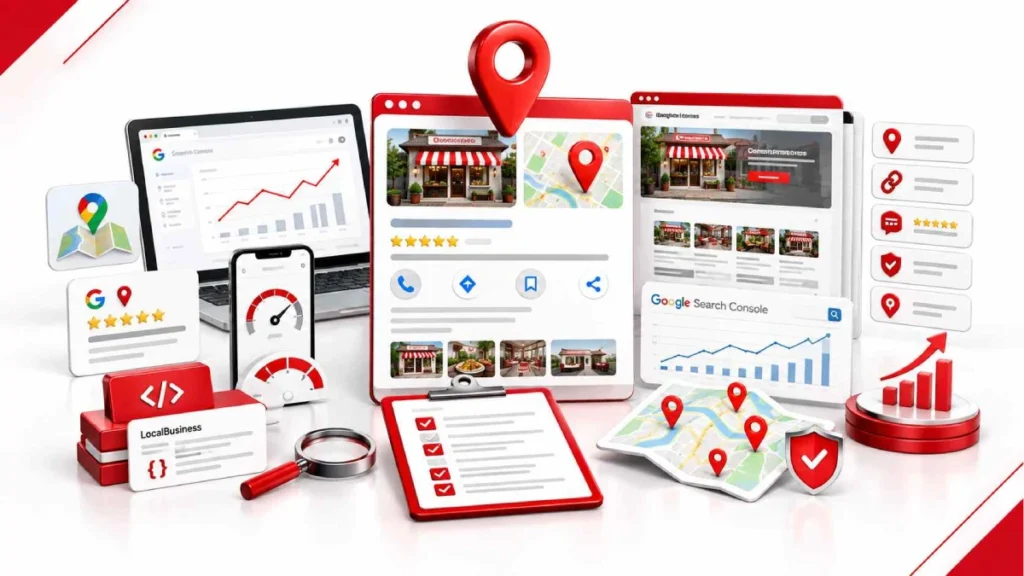
Start with these eight tasks, because they carry the most ranking weight for the least effort. Google Business Profile signals and reviews alone make up around half of local pack rankings, based on Whitespark’s 2026 expert survey. The rest of this local SEO checklist still matters. But these eight move the needle fastest, and most take under an hour.
- Set your primary category. This is the single strongest local pack signal.
- Fix your address setting. Wrong setup for a service business causes suspensions.
- Start asking for reviews. Reviews carry roughly 20% of the ranking weight.
- Add LocalBusiness schema. It helps Google link your site to your profile.
- Fix mobile speed. Most local searches take place on mobile devices rather than desktops.
- Audit your core listings. Clean up conflicting details on Yelp, Bing Places, and Apple Maps.
- Upload fresh photos. Real photos drive calls, clicks, and direction taps.
- Connect GA4 and Search Console. Without tracking, you cannot measure any of this.
Short on time? Do the first three today. Category, address, and reviews fix the problems that block rankings completely. The other five build on that base. Consequently, working in this order beats starting at point one and grinding through all sixty.
Part 1: Website and Tracking Setup
These seven points build the base everything else sits on. Set them up once, and the rest of this local SEO checklist becomes measurable.
- Install Google Analytics 4. Track calls, form fills, and direction clicks.
- Connect Google Search Console. Submit your sitemap with all location pages.
- Add your NAP to the footer. Use plain text, never an image.
- Add LocalBusiness schema. Validate it using Google’s Rich Results Test.
- Fix mobile speed. Keep your page load time below 2.5 seconds.
- Keep your real number in the source code. Call tracking scripts hide it.
- Put a call button above the fold. Make it sticky on mobile.
Point 6 catches more businesses than the rest combined. Call tracking tools like CallRail swap your number using JavaScript. Crawlers then read a number that matches nothing on Yelp, Bing Places, or your profile. So keep the real local number hardcoded. Turn JavaScript off and check it still shows.
Part 2: Google Business Profile
Your Google Business Profile carries about 32% of local pack weight, more than any other signal. Claim and verify it first. Use your legal name only, no cities or service words. Set one specific primary category plus up to nine related ones. Storefronts show the address, service businesses hide it. Then fill every field: hours with holidays, services, products, a 750-character description, and a local number. Post and upload photos weekly.
Two mistakes here get profiles suspended. Name stuffing like “Austin Plumbers Emergency Drain” breaks the rules. So does using a UPS box as your address. Soft suspensions lock your editing. Hard ones remove you from Maps. If it happens, never open a second listing. Fix the field, gather your registration and a utility bill, then appeal through the Help Center.
How to Pick the Right Categories
Your primary category decides which searches you can appear in at all. Pick the most specific one that matches your main service, so “HVAC Contractor” over “Contractor.” Check what the top three competitors use, then add secondary categories only if they match real services.
What Gets Your Profile Suspended
Four things trigger suspensions: name stuffing, fake addresses, rapid edits, and address mismatches. A soft suspension locks your editing, while a hard one removes you from Maps completely. If it happens, never create a second listing. Fix the field, gather your business registration and a utility bill, then appeal through the Help Center.
Part 3: Your Website Pages
On-page signals drive about 19% of local rankings, and they matter even more in organic results. Write title tags as Service in City | Brand, under 60 characters. Add meta descriptions under 155 characters with a clear call to action. Put your city and service in H1 and H2 tags. Then build one page per service and one page per target city. Keep URLs clean, like /services/plumbing-repair/.
The rest is trust and context. Embed your Google Map on contact and location pages. Write real alt text on job photos. Link service pages to city pages using clear anchor text. Mention local landmarks, neighbourhoods, and weather issues in the body copy. Add local testimonials, plus full NAP details and hours on every location page.
How to Make City Pages the Right Way
A city page fails when you copy one page and swap the town name. Google treats those as thin doorway pages and drops them. Instead give each page real local detail: jobs you finished there, neighbourhoods you cover, and reviews from residents of that city. Add a map embed and its own LocalBusiness schema.
Part 4: Citations and Listings
Citations carry only about 6% of local pack weight, so treat them as cleanup, not growth. Start with the aggregators that feed everything else: Data Axle, Localeze, and Foursquare. Then claim Yelp, Facebook, and the BBB. Add industry sites next, like Angi for trades or Healthgrades for clinics.
After that, it is all consistency. Delete duplicates, since they split your signals. Standardise details like “Suite” versus “Ste” and old numbers. Service businesses hide the address here too. Skip bulk packages. Fifteen accurate listings beat 200 sloppy ones.
Part 5: Reviews
Reviews carry about 20% of local pack weight, second only to your profile itself. Send a review link by SMS or email within 24 hours of the job. Ask customers to describe the work and the area, but never supply wording. Keep a steady flow instead of sudden bursts, since recency counts more than volume now.
Then answer every single one. Reply to positive and negative reviews within 48 hours. Mention the service and city naturally in your replies. Build reviews beyond Google too, on Yelp, Facebook, and industry sites like Angi or Healthgrades. Report fake reviews rather than ignoring them.
Review Mistakes That Could Get You in Trouble
Review gating and paid reviews are now illegal in the US, not just against Google’s rules. Gating means screening customers first, then sending only the happy ones to Google. Offering discounts or gift cards for good reviews breaks the same FTC rule, with penalties running into tens of thousands of dollars per violation. Fake reviews, employee reviews, and AI-written testimonials count too.
Part 6: Local Links and Content
Links carry around 15% of local pack weight, and local ones beat generic ones every time. Join your Chamber of Commerce for a verified member link. Sponsor local causes like youth sports teams, charities, and town festivals. Those earn real .org and community links.
Then create reasons for people to mention you. Pitch local news outlets and neighbourhood blogs when something newsworthy happens. Swap case studies with non-competing partners like suppliers and contractors. Write about local topics: council rules, seasonal weather issues, or neighbourhood guides. Finally, get your business listed in regional “Best of” roundups because AI tools also use those sources.
Part 7: Bing, Apple Maps, and Other Sites
Google is not the only map that sends you customers, so claim these three next. Start with Bing Places, which also feeds Microsoft Copilot. It can import your Google details automatically, so setup takes minutes. Then claim Apple Business Connect, since it powers Apple Maps, Siri, Spotlight, and CarPlay.
Apple rewards a complete profile. Add action buttons like Call, Book, or Order so iPhone users act without leaving the map. Publish Showcases for offers and events, and check Apple’s current size limits before uploading. Finally, keep Nextdoor, Yelp, and TripAdvisor matching your main details.
Part 8: Showing Up in AI Search
AI tools name businesses they see mentioned across the web, not the ones with the best rankings. So aim for the pages they read. Get local blogs, newspapers, and review sites to feature you in curated roundups like “Best Plumbers in Austin.” Those lists feed ChatGPT, Perplexity, and Google AI Overviews directly.
Then write the way people ask. Add clear question and answer blocks to your service pages, using FAQPage schema. Keep answers short and direct. Finally, build plain brand mentions in local news, podcasts, and community sites. AI models weigh those mentions even when no link exists, which makes this the newest part of any local SEO checklist.
How to Check If It’s Working
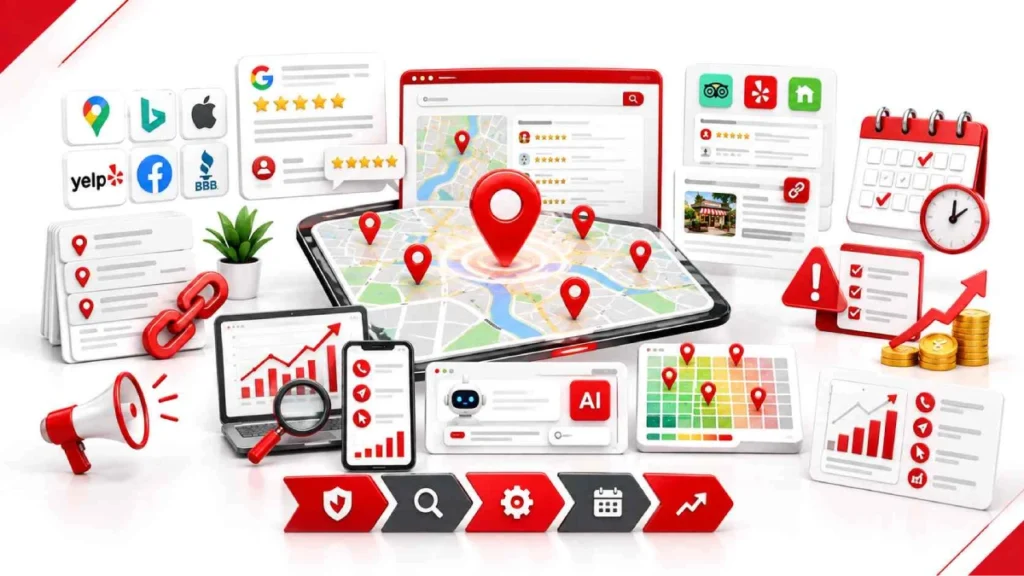
Stop checking your own ranking on your phone, because standing at your business makes you look better than you are. Local results shift with the searcher’s location. Use a geo-grid tool like Local Falcon, BrightLocal, or Whitespark instead. It maps your position across dozens of points around your address.
Then watch the actions, not only positions. Your Google Business Profile dashboard shows calls, direction requests, and website clicks. GA4 tracks form fills and conversions from local pages. Search Console shows which local terms bring impressions. Track monthly review count too. Most businesses see movement in three to six months, not weeks.
What to Repeat Every Week, Month, and Year
Local SEO is a routine, not a one-time setup, so build these tasks into your calendar. Weekly takes about 30 minutes. Reply to every new review within 48 hours. Upload three to five real photos of jobs, staff, or your storefront. Publish one Google post about an offer, update, or finished project.
Monthly and yearly work goes deeper. Each month, run a geo-grid report, check for new duplicate listings, and reach out for one local link. Once a year, audit your site speed and schema. Also review your primary category against competitors, since their choices change. This turns the local SEO checklist into a habit that holds your rankings.
Common Local SEO Mistakes
Most local rankings fail for the same seven reasons. Check yours against this list before spending money on anything else.
- Stuffing your business name. “Dallas Roofing Best Roof Repair” invites suspension.
- Paying for reviews or gating them violates FTC rules, not just Google’s policies.
- Copying city pages. Swapping town names creates thin doorway pages.
- Showing a home address. Service businesses must hide it or risk removal.
- Leaving secondary categories empty. You hand those searches to competitors.
- Using a toll-free number. Local area codes match your listings better.
- Ignoring Apple Maps and Bing. You lose every iPhone and Copilot user.
Tools, Cost, and When to Hire Someone
You can run most of this local SEO checklist on free tools. Google Business Profile, Search Console, GA4, and PageSpeed Insights cost nothing. Paid tools help with two jobs only: geo-grid tracking and listing management. Local Falcon, BrightLocal, and Whitespark handle those from roughly $20 to $50 a month.
| What you pay | Typical range | Who it suits |
| DIY with free tools | $0 | Single location, quiet market |
| DIY plus one tracker | $20 to $50 per month | Owners doing the work themselves |
| Small agency retainer | $500 to $1,500 per month | One storefront in a competitive town |
| Full local SEO service | $1,500 to $3,000 per month | Trades, clinics, law firms |
| One-off audit | $2,000 to $5,000 | Diagnosing why rankings dropped |
Hire someone when competition increases or your schedule gets too busy. Personal injury law, emergency plumbing, and dental clinics are hard to win alone. A suspension is worth paying an expert to fix. Otherwise, do it yourself first, then decide.
FAQs
What is a local SEO checklist?
A local SEO checklist is a task list that improves your visibility in Google Maps and local search results. It covers your Google Business Profile, reviews, website pages, citations, and local links in a set order.
How long does local SEO take to work?
Most businesses see measurable movement in three to six months. Profile fixes like categories and hours can shift rankings within weeks, while reviews and links take longer to build.
Do I need a physical address to rank locally?
No, but you must set your profile up as a service area business. Google requires you to hide the address and define your service areas by city or postcode instead.
Are citations still worth building in 2026?
Citations still matter, but far less than they once did. According to BrightLocal, citation signals at around 6% of local pack weight, so accuracy matters more than volume.
What is the difference between local SEO and regular SEO?
Local SEO targets searches with geographic intent and competes for the map pack. Regular SEO competes for standard organic results and does not depend on your Google Business Profile.
Can You Do Local SEO Yourself Without Hiring an Agency?
Yes, single-location businesses in quiet markets can handle it alone. Google Business Profile, Search Console, and GA4 are free, and one geo-grid tracker costs $20 to $50 a month.
How much does local SEO cost per month?
Doing it yourself costs $0 to $50 a month in tools. Agency retainers usually run $500 to $1,500 for a single location and $1,500 to $3,000 in competitive markets.
Conclusion
Local rankings come down to relevance, distance, and prominence. Distance stays fixed, so focus on the rest.. Your Google Business Profile carries the most weight, followed by reviews and on-page work. Pick a specific primary category, set the address correctly for your business type, and fill every field. Then build a steady review flow and reply within 48 hours.
Citations matter less than most guides claim, so tidy them and move on. Spend that time on local links, Apple Maps, Bing Places, and the roundups AI tools read. Track results with a geo-grid tool, never your own phone. Avoid the two costly mistakes: stuffing your business name and gating reviews.
Open your Google Business Profile today, check your primary category and address setting, then request reviews from your last five customers.
18 September 2026