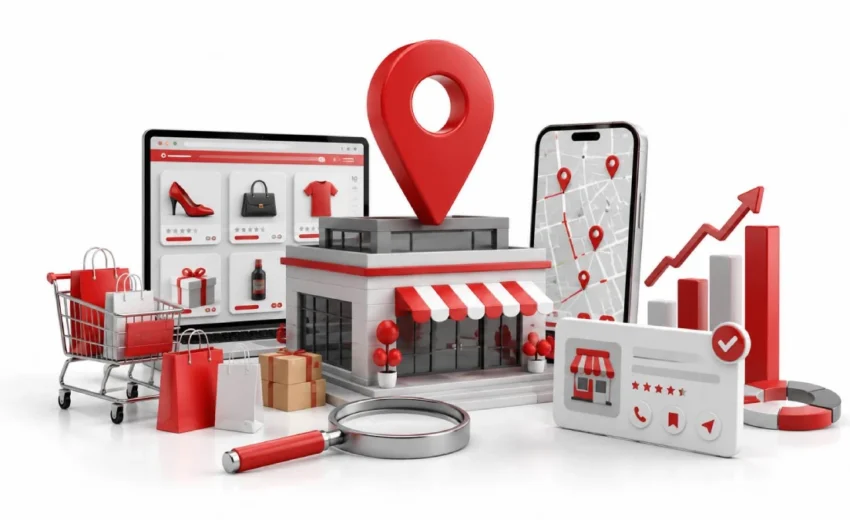
Local SEO for eCommerce is the reason a small shop with 40 reviews can outrank you in your own city. You have a better website, the bigger catalog, and stronger backlinks. Yet when someone nearby searches for what you sell, a competitor appears in the map box and you do not.
That happens because Google runs two systems. One decides your national rankings. The other decides who shows up on Maps, and it barely looks at your website. This guide covers the second one, step by step, with a 30-day plan you can start today.
Key Points :
- Google uses relevance, distance, and prominence to rank local businesses. Domain authority is not one of them.
- Each store should have its own Google Business Profile. Correct category, accurate hours, real photos.
- Your name, address, and phone number must match everywhere. Ten correct listings beat 200 messy ones.
- Build one location page per store, 300 to 500 words of local detail. Copy-paste pages rank nowhere.
- Check your store locator with View Page Source. No address in the code means Google cannot see your store.
- Link your stock to your listings. The “In Stock Nearby” feature is what makes local SEO for eCommerce unique.
What Is Local SEO for eCommerce?
Local SEO for eCommerce is the work of getting your physical store found by nearby shoppers who search online. It connects your product catalog to people searching in your area. Your website sells nationally, but your shop sells to one town.
Google treats these as two separate jobs. According to Google’s Business Profile documentation, local results depend on relevance, distance, and prominence. Domain authority is not on that list.
Local SEO vs eCommerce SEO
The difference is what Google measures. Regular eCommerce SEO looks at your site. Local SEO considers your business location, reviews, and proximity to the searcher.
Both matter, and neither replaces the other. A strong national site will not put you in the map pack. A complete Business Profile will not rank your product pages.
| eCommerce SEO | Local SEO for eCommerce | |
| Where you appear | Organic results, Shopping ads | Google Maps, local pack |
| What Google checks | Backlinks, page quality, speed | Distance, Business Profile, reviews, schema |
| Shopper intent | Buy online, wait for delivery | Visit today, collect in store |
| Key pages | Category and product pages | Store pages, store locator |
Do You Need a Physical Address to Rank Locally?
Yes, you need a verified physical address to appear in the local pack. Google confirms your location by video, postcard, or business documents. A PO box or virtual office will not pass.
Online-only stores still have options. You can rank in normal local results with delivery area pages for cities like Bristol, Leeds, or Cardiff. Local links from chambers of commerce and regional news sites also help.
How Google Decides Which Local Businesses Rank
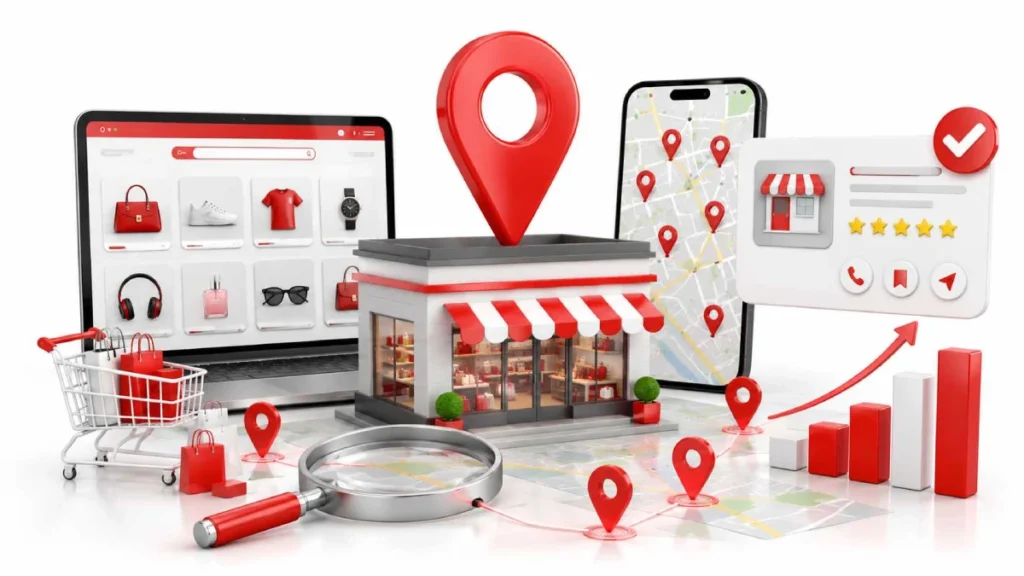
Google ranks local businesses using three factors: relevance, distance, and prominence. Relevance measures how closely your business matches a search. Distance is how close you are. Prominence is how well known your business is.
Google lists these openly in its Business Profile documentation. Domain authority does not determine local rankings. That is why a small shop with 40 reviews can outrank a national brand in the map pack.
Local results appear in three places: the local pack, Google Maps, and local organic listings. Your Business Profile drives the map pack, while your website drives the organic results below it. That split explains a common problem. You rank well nationally, then disappear in your own city. Your site is strong, but your local signals are thin.
Set Up a Google Business Profile for Every Store
Create one Google Business Profile for each physical store, never one profile for the whole brand. Three shops need three profiles. Each one gets its own address, phone number, and opening hours.
Claim and verify each location first. Google verifies by video, postcard, or business documents. Verification can take a few days, so start here before anything else.
A few key fields have the biggest impact:
- The primary category matters most. Pick the specific one, like “Running Shoe Store” instead of “Shoe Store”
- Opening hours must be right, including holidays. Google demotes your listing when your profile shows you’re closed.
- Photos of your shopfront, interior, staff, and product displays. Add a few each month, and skip stock images
- Attributes like in-store pickup, curbside pickup, wheelchair access, and payment types
- Description of around 700 characters covering your products, local history, and what makes the shop different
One step most online sellers skip: add your products to the profile. It links your catalog to your listing, which is the whole point of local SEO for eCommerce.
Post weekly too. New stock, local events, and seasonal offers all work. Regular posts show Google the profile is active and looked after.
Keep Your Business Details Consistent Everywhere
Your name, address, and phone number must match exactly on every site that lists your business. SEOs call this NAP consistency. Google uses it to confirm your shop is real.
Small differences do the damage. “100 Main Street, Suite A” on Google and “100 Main St.” on Yelp look the same to you. Google reads them as two businesses and trusts both a little less.
Pick one exact format. Use it on your website footer, your store pages, and every listing. Then, review the platforms that matter most.
- Google Business Profile, your source of truth
- Apple Business Connect provides your business details to Apple Maps and Siri.
- Bing Places, now used by some AI search tools
- Yelp and Facebook, widely copied by smaller directories
- Data aggregators like Data Axle and Foursquare, which push your details to hundreds of sites
Two traps catch people out. A call tracking number breaks NAP the moment it differs from your site. Old listings from a previous address also linger for years, so search your shop name and phone number to find duplicates. Accuracy beats volume. Ten correct listings work better than 200 messy ones.
Build Location Pages That Actually Rank
A location page is a dedicated webpage for a single physical business location. It gives Google something to rank in local organic results, below the map pack. Your contact page alone will not do this job.
Most store pages fail for one reason. Someone copies the page, swaps the city name, and publishes it. Google sees near duplicate pages and ranks none of them.
How Many Location Pages Do You Need?
Build one page per physical store, always. Each store should have its own dedicated page, whether you have two locations or ten. You can also target nearby towns within roughly 30 miles. Those pages rank in normal search results, but never in the map pack. Only verified addresses get in there.
What to Put on Every Location Page
Each page needs 300 to 500 words of original content about that specific shop. Include full NAP in plain text, an embedded map, opening hours, real photos, and reviews from that branch.
Then add what only a local would know. The car park round the back, the tram stop two minutes away, the busy Saturday market. That detail is what separates pages that rank from pages that sit idle.
Fix the Two Technical Things Most Stores Get Wrong
Two problems break local rankings more than anything else: a store locator Google cannot read, and missing schema markup. Both are invisible on screen. Your site looks perfect to you and empty to Google. You do not need a developer to spot them. Both checks take under five minutes.
Make Sure Google Can Crawl Your Store Locator
Open one store page, right click, and choose View Page Source, then search for your street address. If the address is missing from that raw code, Google cannot see your store either.
Use View Page Source, not Inspect. Inspect shows the page after scripts run, so it hides the problem. Many locator apps and iframe widgets load store data this way, which leaves crawlers with an empty shell.
The fix is a locator that returns real HTML. Each store needs its own linkable URL, plain text address, and a normal link from the locator page. Add those URLs to your sitemap too.
Add Local Business Schema
Schema is a small block of code that tells Google your business details in a format it reads directly. Add it to every store page using the LocalBusiness type, or a closer match like ClothingStore or BikeStore.
Include your name, address, phone number, coordinates, opening hours, and links to your Google listing and social profiles. Keep every detail identical to your Business Profile. Then test it in Google’s Rich Results Test. It flags missing fields and syntax errors in seconds, so recheck after any site update.
Connect Your Products to Local Searches
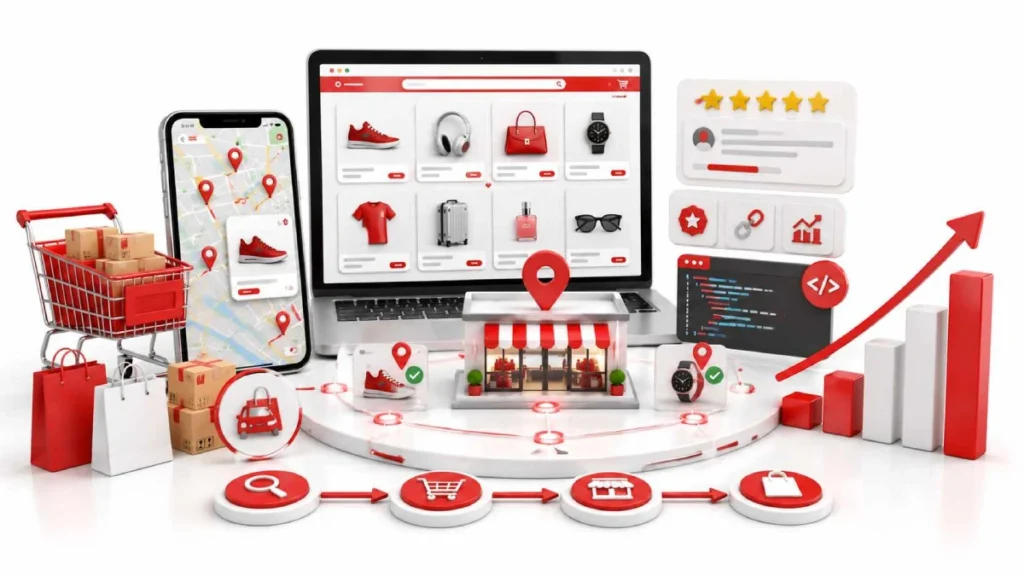
Link your stock to your store listings so nearby shoppers see what you have today. Most guides leave this part out. It is also what separates local SEO for eCommerce from ordinary local SEO.
Shoppers rarely search for your shop by name. They search for a product first, then check who has it nearby. Searches like “running shoes near me” or “bike shop open now” happen every day in your area.
Your job is to appear at that exact moment. Three things make it work: your stock feed, your product pages, and clear page roles.
Show What’s In Stock Nearby
Google shows “in stock nearby” labels when your inventory feed connects to your store listing. You set this up in Google Merchant Center with two feeds, linked by a store code that matches each product to a shop.
Be realistic about setup. It needs your till system or a Shopify or Lightspeed app to send stock data. If you are not there yet, list your best sellers manually on each store page.
Click and Collect, Curbside, and Local Delivery
Show pickup options on your product pages, not only at checkout. A shopper should see “In stock at Bristol store, 2 miles away” with a “Collect today” button next to it.Add your cutoff time, like “order by 3pm for same day pickup.” Pickup does not steal online sales. It wins sales you would otherwise lose to a shop down the road.
Stopping Your Local and National Pages Competing
Give each page one job. Category pages target buying searches like “buy running shoes online.” Store pages target local searches like “running shoe shop in Leeds.”Every store page needs a canonical tag pointing at itself, never at a category page. Point it elsewhere and Google ignores the store page completely.
Build Local Trust: Reviews and Links
Reviews and local links both build prominence, the third factor Google uses to rank local businesses. Reviews show people trust your shop. Local links show your business belongs to the area.
Neither happens fast, but both compound. Small businesses often win here. A national chain struggles to get genuine local coverage, while you can sponsor the local football club.
Getting and Managing Reviews
Ask customers when they are happiest, right after they buy or collect. A QR code at the till works, so does a short text the next day. Keep reviews tied to the right shop, since each location has its own listing.
Reply within a day or two. Thank the good ones briefly, and move bad ones to email or phone.
Earning Links from Your Local Community
Local links beat national ones for local rankings. A mention from your town newspaper or chamber of commerce carries more weight than a generic blog link. Start with local business groups, junior sports sponsorships, and nearby suppliers or cafés. Writing about local markets and news on your own blog also earns links from the people you mention.
Track Whether Any of This Is Working
Track calls, direction requests, and store visits, not only website traffic. Most local wins never reach your site. Someone finds your listing, checks your hours, and drives over.
Check these four things monthly, per shop:
- Google Business Profile Insights for calls, direction requests, and how people found you
- Google Search Console filtered to your store page URLs and city keywords
- GA4 for traffic and conversions on those store pages
- Your map pack position for two or three key searches
One catch with rank checking. Results change street by street, so search in an incognito window or use a tool like BrightLocal. Give it time. Profile and NAP fixes can shift things in 4 to 6 weeks. New store pages and reviews usually take 3 to 6 months.
What to Do When Local Rankings Drop
Check your Google Business Profile first, before touching your website. Most sudden drops start there. Google sometimes edits categories, hours, or addresses without telling you. Look for a suspension, a wrong holiday closure, or an edit you did not make.
Then work outwards. Check your NAP across listings, since old addresses can resurface through aggregators like Data Axle or Foursquare. Check your store page still loads and keeps its own canonical tag. Finally, look at reviews and nearby competitors.
Three cases need extra care. Suspended profiles need the cause fixed before you appeal. When you move shop, update the existing profile instead of creating a new one, or you lose your reviews. When you close a location, mark it permanently closed and redirect the page to your nearest store.
How AI Search Is Changing Local Results
AI tools answer local questions by reading your structured data, reviews, and business listing, not by ranking ten blue links. Google AI Overviews, ChatGPT Search, and Perplexity pull from the same sources. Ask one where to buy size 11 walking boots in Leeds, and it checks nearby listings, reads your schema, then scans reviews for mentions of sizing and service.
You don’t need to add anything else here. Accurate NAP, complete profiles, real reviews, and valid schema are what these tools read. The one shift is that more people get answers without clicking, so judge results by calls and shop visits, not traffic alone.
Your First 30 Days: A Simple Action Plan
Start with your Google Business Profile, then fix your data, then build your store pages. That order matters. The profile drives the map pack, so it pays back fastest.
| Week | What to do |
| Week 1 | Claim and verify every shop. Set your primary category, hours, description, and photos. |
| Week 2 | Lock one NAP format. Fix Apple Business Connect, Bing Places, Yelp, and Facebook. Remove duplicate listings. |
| Week 3 | Write or rewrite your store pages. Run the View Page Source check on your locator. |
| Week 4 | Add LocalBusiness schema. Start asking for reviews at the till. Set up tracking. |
After 30 days, keep three habits going. Ask for reviews weekly, post on your profile weekly, and reach out to one local contact each month.With several shops, do one first and get it right. Then copy the same steps across the rest.
FAQs
How much does local SEO cost for a small eCommerce business?
Expect $300 to $1,500 per month per location, or nothing if you do it yourself. Google Business Profile is free.
Is local SEO worth it if most of my sales are online?
Yes, local search drives store visits your analytics never records. Pickup also wins sales that would go to a nearby competitor.
Are local citations still worth building?
Yes, but accuracy beats volume. Ten correct listings outperform hundreds of messy ones.
What happens if my NAP details do not match across sites?
Google stops trusting that your business is one entity, and rankings drop. Fix it at the source with aggregators like Data Axle.
What happens if I create location pages for cities where I have no store?
Google treats them as thin content and they rarely hold rankings. It can also risk suspension.
Why is my store not showing up in Google Maps?
Usually an unverified profile, a suspension, or wrong address data. Duplicate listings also suppress visibility.
How do I measure the return on local SEO?
Track calls, direction requests, and store visits in Business Profile Insights. Traffic alone understates performance.
Will AI search replace local search results?
No, AI tools supplement them. Google AI Overviews, ChatGPT Search, and Perplexity read the same listings and reviews.
What happens if I rely only on automated listing tools?
They keep data consistent but cannot earn reviews or local links. Store pages and replies still need manual work.
Conclusion
Local SEO for eCommerce connects your online catalog to shoppers searching near your shop. Google ranks on relevance, distance, and prominence, so a strong national site alone will not get you into the map pack. Claim a Business Profile for every store, lock one NAP format, and build a real page for each location.
Then handle the technical side. Make sure Google can read your store locator, add LocalBusiness schema, and link your stock to your listings. Reviews and local links build the rest over three to six months, so track calls and direction requests rather than traffic alone.
Open your Google Business Profile today, check your category and hours, and ask your next five customers for a review.
1 September 2026
Local SEO for Small Businesses: Where to Start
1 September 2026