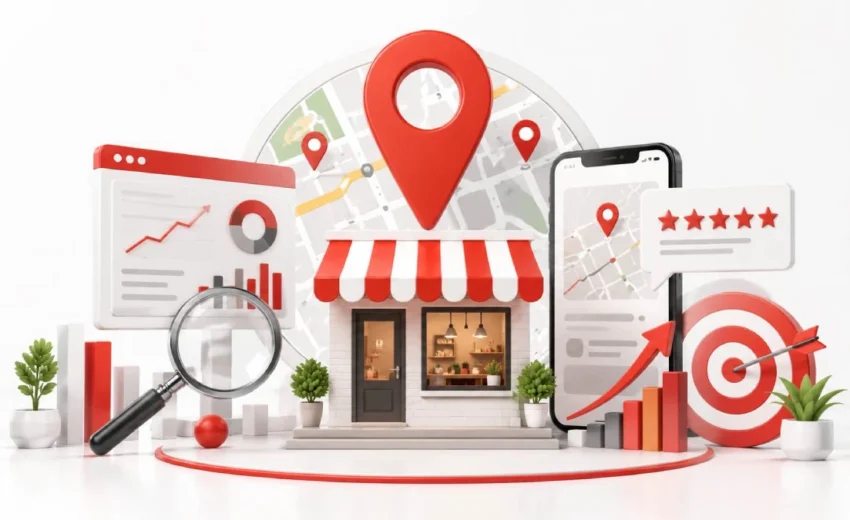
Local SEO for small businesses often fails due to one common mistake. It is rarely a website. Google says 76% of nearby phone searches end in a visit that same day. Those buyers are finding your competitor instead.
Every week your business stays hidden in local search, potential customers choose a competitor instead.
That one reason is fixable, and it costs nothing to start. This guide walks you through each step in the right order. You will claim your Google Business Profile, fix your details, and collect reviews. You will also learn why you are missing, and how long results take.
Key Points:
- Your Google Business Profile drives local rankings, not your website. Claim it, verify it, and fill every field first.
- Your primary category matters most. Pick the exact one, like “Barber Shop” instead of “Hair Salon.”
- Distance sets a hard limit. You cannot rank across a whole city from one address.
- Review freshness is just as important as review quantity . Ask every customer, right after the job.
- Keywords in your business name get profiles suspended. So do virtual office addresses.
- Track calls and direction requests, not rankings.Most businesses see results within three to six months.
What is SEO? And how SEO benefits your business?
SEO is search engine optimization. It makes your website easier for Google to find, read, and rank. The work covers your page content, your site speed, and the links pointing to you. Search engines like Google, Bing, and DuckDuckGo read all of it, then decide who ranks first.
The benefit is simple.SEO connects you with people who are already searching for your products or services. Few people search for “emergency plumber” unless they need one. According to BrightEdge , thousands of domains in 2019 and organic search delivered 53% of website traffic. Paid ads require ongoing spending, while SEO can continue delivering results over time.
However, general SEO puts you against everyone. Brands like Amazon and Home Depot outspend a local shop every month. Local SEO for small business narrows that fight to your own city or service area.
What is Local SEO? And why is local SEO important?
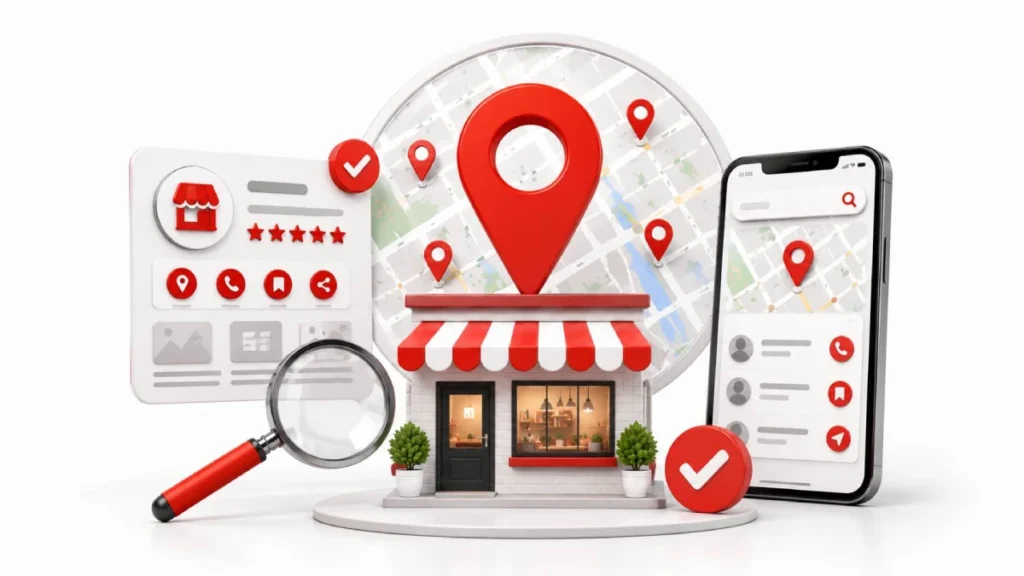
Local SEO helps nearby customers find your business when they search online. It targets searches with a place attached, like “coffee shop near me” or “dentist in Brooklyn.” You can show up in two spots. Google displays your business in two main places: the Map Pack at the top and the organic search results below.
Local SEO is important because nearby searchers act quickly. Around 28% of those searches end in a purchase .Most people don’t search for “emergency plumber” unless they need one.They are ready to call.
The second reason is competition. General SEO puts you against the whole internet. Local SEO for small businesses shrinks the field to businesses in your area. A neighborhood bakery competes with a few nearby shops, not with chains like Panera or Starbucks.
General SEO vs local SEO
General SEO targets searches from anywhere. Local SEO targets searches tied to a place. The difference goes beyond the keyword. Google runs two separate ranking systems, and each one reads different signals.
| General SEO | Local SEO | |
| Where you appear | Blue links, any location | Map pack, Google Maps, local blue links |
| Main asset | Your website | Your Google Business Profile |
| Top signals | Content depth, backlinks, site speed | Profile category, reviews, distance from searcher |
| Who you compete with | Sites like Amazon, Yelp, and Wikipedia | The shops within a few miles of you |
| Distance matters? | No | Yes, and you cannot change it |
| How you measure | Traffic and rankings in Search Console | Calls, direction requests, profile views |
Distance is the row most owners miss. Your address caps how far your listing reaches. A better website alone will not solve the problem. In general SEO, your website does the work. In local SEO for small business, your Google Business Profile does.
How to incorporate local SEO
Start with your Google Business Profile, then work outward. The order matters more than the list. Most owners quit after step three, and that is fine. The first three steps carry most of the weight.
Step 1: Claim and complete your Google Business Profile
Claim your profile, verify it, then fill every field. Google says complete profiles are 2.7 times more likely to be seen as reputable.Your primary category does the heaviest lifting. Pick the most exact one. “Barber Shop” beats “Hair Salon” if that is what you run. Add up to nine secondary categories after it.
Keep your business name exactly as it appears on your sign. Adding keywords like “Dupont Plumbing Austin Emergency” breaks Google’s rules and gets profiles suspended.
Passing video verification: Google now asks most new profiles for a video. Record it in one unbroken take, 30 to 90 seconds. Set your camera to 720p so the file uploads without stalling. Show three things: your street sign and building number, your signage and tools, and yourself unlocking a door or opening the till.
Step 2: Make your details match everywhere
Your name, address, and phone number must be identical on every site. Google reads mismatches as doubt. The format trips people up. Most people consider “Suite 5,” “Ste. 5,” and “#5” to be the same address.They are not crawlers. Pick one version and copy it exactly.
Focus on the platforms that feed the rest. Data aggregators like Data Axle, Localeze, and Foursquare push your details to Apple Maps, Bing Places, and Yelp. Fix those, then stop. Bulk directory packages add little.
Step 3: Keep New Reviews Coming
Ask every customer, every time, right after the job. Recent reviews count more than old ones. Build one simple system. Send a text or email within two hours of service. Put a QR code on your invoices, receipts, and counter. Then reply to every review inside 48 hours, good or bad.
One warning. Do not screen customers and only ask the happy ones. Google calls this review gating and it violates their policy.
Step 4: Fix the basics on your website
Include your city and primary service in your title tags, headings, and page content. Then add your address and phone to the footer of every page. If you serve several towns, build a real page for each one. Swapping the city name in a template does not work. Add local photos, local jobs, and directions.
Use LocalBusiness schema on both your homepage and contact page. It tells Google your address, hours, and phone in a format it reads without guessing.
Step 5: Earn a few local links
One link from a local site beats fifty from directories. Relevance to your area matters more than domain authority here.
Three routes work for most small businesses. Join your chamber of commerce. Sponsor a youth team, a school event, or a local charity. Ask suppliers and partner businesses for a listing on their site.
How Google Chooses Which Local Businesses to Show

Google uses three main factors to rank local results: relevance, distance, and prominence. Relevance means your profile matches the search, and your primary category drives most of it. Distance means how far you sit from the searcher. Prominence covers reviews, links, and mentions.
Distance is the one you cannot fix. Your listing reaches a few miles in a busy city, further in a quiet area. Expanding your service area on the map changes nothing. It is a display setting, not a ranking lever.
Why You’re Not Showing Up — How to Diagnose It
Work through three causes in order: distance, a profile problem, then competitor spam. Most missing listings come down to the first one. Check it first before changing anything else.
Is It Proximity, or Something Else?
If you rank near your shop but vanish a few miles out, that is normal distance behavior. Google is showing closer options, not hiding you. Also check the clock, because Google demotes closed businesses and a 9pm search gives a false reading.
Filtered, Suspended, or Duplicated
If you disappear at every distance, your profile has a problem, not a ranking issue. A soft suspension locks your admin access, while a hard suspension removes you from Google Search and Maps. Google also filters one listing when two businesses share an address, a suite, or the same primary category.
A Worse Competitor Is Outranking You
A weaker competitor usually wins on distance, or on something against the rules. Check their profile for keyword-stuffed names or fake addresses at virtual offices, mailboxes, and coworking desks. Start with “Suggest an edit,” then file a Business Redressal Complaint with proof if Google ignores it.
First: Which Kind of Business Are You?
Google sorts local businesses into three types, and each follows different rules. Pick the wrong one and your profile can fail verification or get suspended.
| Type | Who it fits | Address rule |
| Storefront | Shops, salons, clinics, restaurants | Show your street address |
| Service area | Plumbers, electricians, mobile groomers | Hide your street address |
| Hybrid | Caterers and repair shops that do both | Show address, set service areas |
Storefront means customers come to you. You need permanent signage matching your profile name, plus staff on site during posted hours.
Service area means you travel to them. If you work from home or an unstaffed office, hide your address. Google suspends listings that show one anyway. Here is the part that catches people out. Google still measures distance from your real address, even when it is hidden. Drawing a bigger service area changes nothing.
What to Expect in the First Six Months
Expect small signs in month one and real leads around month three. Local SEO for small business builds slowly, so judge it in quarters, not weeks.
- Month 1: Your profile gets verified and indexed. Impressions start showing in your dashboard.
- Month 2 to 3: You move on longer searches. First calls and direction requests arrive.
- Month 4 to 6: Your map visibility widens. Rankings hold steady for your main terms.
Two things stall this timeline. A failed verification costs weeks. So does a suspension, because getting back needs documents like registration papers, utility bills, and tax records.
Not everything repeats. Your categories, schema, and address details are set once. Reviews and profile posts need attention every month.
Mistakes That Undo Your Work
Five mistakes can erase months of local SEO work. Most of them break a Google policy, and the punishment is fast.
- Keywords in your business name. “Best Plumber Austin 24/7” gets profiles suspended.Include relevant keywords in your business description and services.
- A virtual address. Listing a mailbox, a UPS store, or a coworking desk fails verification and triggers suspensions.
- Buying or gating reviews. Paid reviews get purged. Asking only happy customers breaks Google’s policy too.
- Copy-paste city pages. Swapping the town name in one template creates thin pages that rank for nothing.
- Fake 24/7 hours. People call, nobody answers, and you collect one-star reviews.
One quieter mistake costs the most. Owners chase a single ranking position instead of watching calls and direction requests. Rankings shift by street. Your phone does not lie.
How to Tell If It’s Working
Track calls and direction requests, not rankings. Your Google Business Profile dashboard shows both for free. Neither moves without real customers.
Check four numbers monthly:
- Calls from your profile’s call button.
- Direction requests, which means someone planned a visit.
- Website clicks from your listing.
- Searches used to find you, split into direct and discovery.
Rankings mislead because they change street by street. You can sit first outside your shop and vanish two miles away. So one position number tells you little.
Google Search Console covers the website side, also free. Watch clicks on your city and service pages. Local SEO for small business needs no paid tools to measure.
What It Costs, and When to Hire Someone
You can do the first three steps for free. Claiming your profile, fixing your details, and asking for reviews costs nothing but time. Budget two to three hours a week. Paid help runs from $0 to $150 a month for tools like BrightLocal, $300 to $800 for a freelancer, and $500 to $2,500 for an agency.
Hire someone when your verification keeps failing, your listing gets suspended, or you add more locations. Watch for red flags too. Nobody can guarantee rankings, and bulk citation packages waste money.
FAQs
Can I do local SEO without a website?
Yes, you can rank in the map pack with only a Google Business Profile. A website still helps, since on-page signals feed local organic rankings.
How long does local SEO take to show results?
Most businesses see meaningful movement in three to six months. Calls and direction requests usually start arriving in months two and three.
How much do local SEO services cost for small businesses?
The core work costs nothing beyond two to three hours a week. Tools run $0 to $150 monthly, freelancers charge $300 to $800, and agencies charge $500 to $2,500.
Should I create a separate page for every city I serve?
Only create city pages you can fill with unique content. Swapping the town name in one template produces thin pages that rank for nothing.
Is local SEO still worth it now that AI answers so many searches?
Yes, because AI tools pull from the same business data. ChatGPT, Perplexity, and Google’s AI results draw on profiles, reviews, and structured data.
What tools do I actually need to start?
Google Business Profile and Google Search Console cover everything essential, and both are free. Paid tools become useful only once you manage multiple locations.
Can buying reviews get my business banned?
Yes, purchased reviews violate Google’s policies and FTC rules. Review gating, meaning asking only satisfied customers, breaks policy too.
Why does my competitor rank above me with fewer reviews?
Distance usually explains it, since proximity outweighs review count in the map pack. If they are not closer, check their profile for keyword-stuffed names or virtual office addresses.
How do I know if local SEO is actually making money?
Track calls, direction requests, and form fills instead of ranking positions. Your profile dashboard reports all three, and rankings shift street by street anyway.
Do I still need local SEO if I get work through word of mouth?
Yes, because referred customers search your name before calling. A missing or outdated profile costs you those conversions.
Conclusion:
Local SEO starts with your Google Business Profile. Claim it, verify it, and complete every field before anything else. Then match your name, address, and phone across the web, and build a habit of asking for reviews. Your website and local links can wait.
Remember that distance sets a ceiling you cannot raise. Judge progress by calls and direction requests, not by one ranking position, and give it three to six months before you decide it is working.
Open your Google Business Profile today and check that your primary category is right.

31 August 2026
Local SEO for Contractors and Home Services

31 August 2026