
Local SEO for restaurants decides one thing: whether Google shows you or the place down the street. That map box holds three spots. Everyone else gets scrolled past.
Right now, someone a mile away is picking dinner. Your food is good and your reviews are decent. Yet a newer place three blocks away sits above you every time. You claimed your listing, added photos, and asked guests for reviews. Nothing moved.
Here is what actually works. You will learn which Google Business Profile fields matter and how to pick your category. It also covers why rankings drop, what this really costs, and how ChatGPT now chooses restaurants.
Key Points:
- Your Google Business Profile drives most local rankings. Claim it, verify it, and fill every field before anything else.
- Your primary category is the strongest single setting you control. Pick “Italian Restaurant” over plain “Restaurant.”
- Reviews need steady flow, not a big total. Ask weekly and reply to every one within 48 hours.
- PDF menus block dish searches. Move your menu onto a real web page so Google can read it.
- Keep your business details identical on every site. Google, Yelp, Apple Maps, and AI tools all cross-check that data.
- Google, Yelp, Apple Maps, and AI tools all cross-check that data.
- Expect 3 to 6 months for results, longer in busy cities. Track calls and bookings, not rankings.
Understanding Local SEO for Restaurants
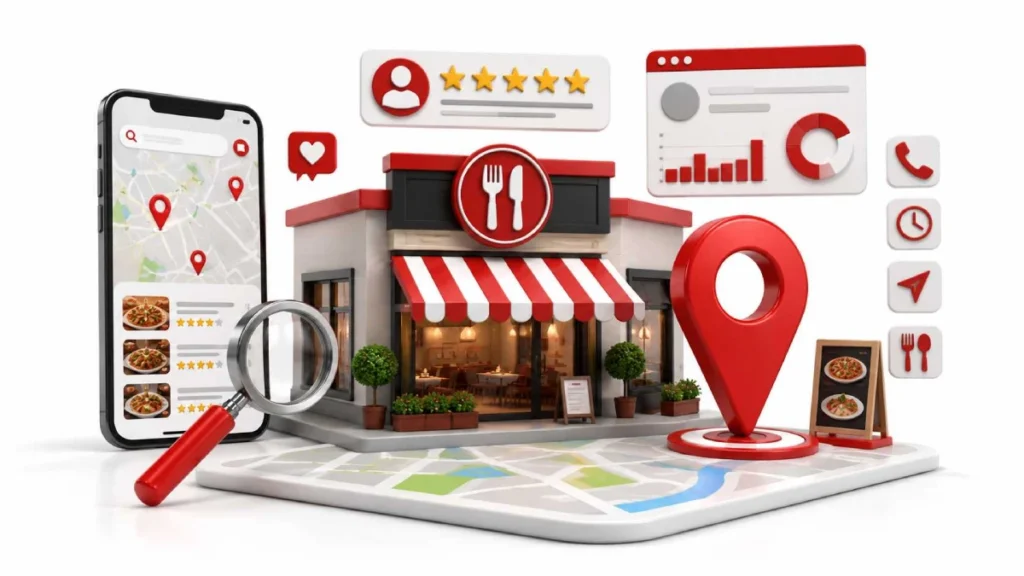
Local SEO for restaurants is the work that helps nearby diners find you when they search for food. It covers four things: your Google Business Profile, your website, your menu, and your reviews. Most diners never see your homepage first. They start on maps and review sites like Yelp, TripAdvisor, and OpenTable.
Regular SEO chases visitors from anywhere. Local SEO chases visitors from nearby. Distance becomes a ranking factor you cannot edit. According to Google, 76% of people who perform a nearby search on their smartphone visit a business within 24 hours. Someone typing “tacos near me” has already decided to eat. They just have not picked the restaurant yet.
How Local SEO Helps Restaurants Attract More Customers
Local SEO helps restaurants attract more customers by turning nearby searches into visits, calls, and bookings. A diner searches for “brunch near me.” Your listing appears with hours, photos, and a menu link. They tap directions and arrive 20 minutes later.
Google reports that complete business listings attract 70% more visits than incomplete ones. Those diners are also 50% more likely to buy. So local SEO for restaurants fills tables, not just web pages. Accurate hours, a live menu link, and fresh photos do most of that work.
Start Here: What to Fix First
Start by optimizing your Google Business Profile, then update your business information, and finally refine your menu. Claim and verify the profile. Fill every field: hours, holiday hours, phone number, and menu link. It costs nothing and only takes about an hour.
Next, match your name, address, and phone everywhere. Check Google, Yelp, Apple Maps, and TripAdvisor. “Ave.” on one site and “Avenue” on another confuses search engines. Then move your menu off PDF onto a real web page. Google reads PDF text poorly, so dish searches never find you.
Create and Optimize Your Google Business Profile
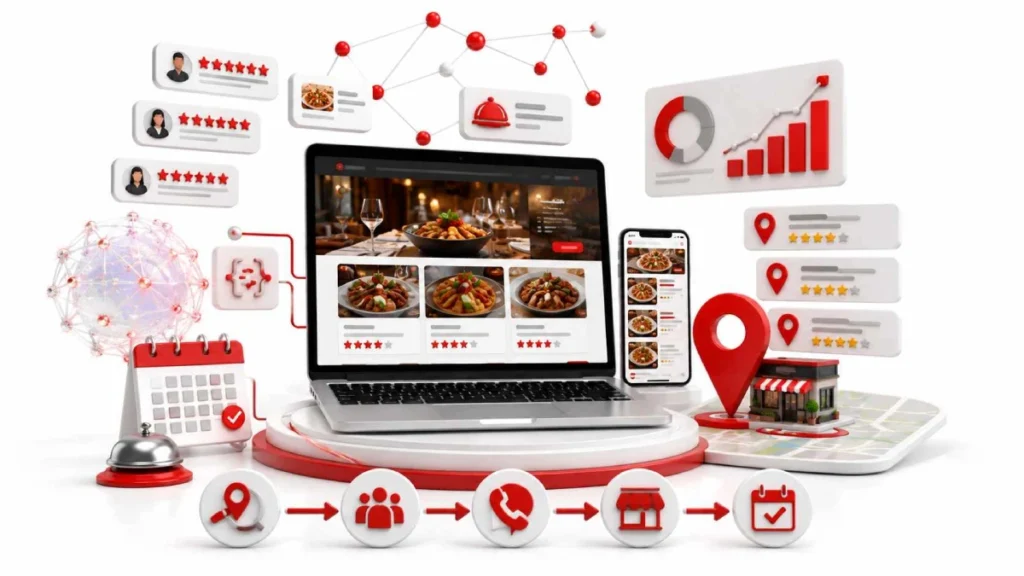
Your Google Business Profile is the single biggest factor in local rankings, so set it up completely. It feeds the map pack, Google Maps, and AI answers. Diners use it to check hours, view photos, read reviews, and get directions.
Ranking factor surveys put your profile at roughly 32% of local pack weight. No other single asset comes close. So finish every field before you touch links, blogs, or paid ads.
Claim and verify your listing
Claim the listing on Google, then verify it before editing anything. Google offers video, phone, email, and postcard verification. Keep ownership in your own account and add agencies as managers only.
Pick the right category
Your primary category is the strongest field on the profile. Pick the exact match, so “Italian Restaurant” instead of plain “Restaurant.” Then add up to 9 secondary ones like Pizza Restaurant, Bar, or Caterer.
Fill in every field properly
Use your real business name, exactly as it appears on your sign. Adding keywords like “Best Pizza Downtown” risks suspension. Complete your hours, holiday hours, attributes, description, and ordering links from Toast, ChowNow, or OpenTable.
Keep it active with photos and posts
Upload fresh photos weekly and publish one Google Post each week. Shoot your dishes, dining room, storefront, and staff. Post specials, events, or holiday booking deadlines. A quiet profile looks closed.
Get More Reviews and Handle the Bad Ones
Ask for reviews at the table, then reply to every one within 48 hours. Put QR codes on check folders, table tents, and receipts. Send a follow-up text 2 to 4 hours after the meal. Never purchase reviews or offer discounts in exchange for them.
Reply to good and bad reviews alike. BrightLocal found that 88% of consumers choose businesses that respond. For a bad review, stay calm, name the problem, and offer a direct email. Keep it short, because other diners are reading your reply.
Find the Keywords Diners Actually Type
When looking for a restaurant, diners commonly search by location, “near me,” amenities, or the dish they want.. Examples: “italian restaurant downtown chicago,” “sushi near me,” “restaurant with outdoor patio,” and “gluten free pasta.” Each type belongs somewhere different, so match them to the right page.
Find real local keywords for free. Read Google autocomplete, check search terms in Google Business Profile insights, and open Google Search Console. Free keyword research tools like Google Keyword Planner and Google Trends help too. Then use those local keywords in your menu pages, page titles, and profile description. Write them naturally, because keyword stuffing backfires.
Fix Your Website, Menu, and Markup
Your website is what Google and AI assistants actually read. A menu trapped in a PDF or image is invisible to them, so publish it as plain HTML text with dish names and prices. Match your name, address, and phone exactly to your Google Business Profile.
Schema markup makes that content machine readable. Add Restaurant or LocalBusiness schema for your address, hours, price range, and cuisine, then add Menu schema to your menu pages. Check it in Google’s Rich Results Test, since broken markup quietly kills your rich listings.
Put your menu on a real web page
Replace PDF and image menus with plain HTML pages. Google reads PDF text poorly, so dish searches never reach you. A web menu lets Google index dish names, prices, and diet labels like vegan, halal, or gluten free.
Add restaurant schema markup
Add JSON-LD schema using the Restaurant type fromSchema.org. Include your name, address, geo coordinates, phone, servesCuisine, hasMenu, acceptsReservations, priceRange, and openingHoursSpecification. Check your code with Google’s Rich Results Test before publishing.
Make it fast and easy to use on a phone
Keep your largest content loading under 2.5 seconds. Test it with Google PageSpeed Insights. Add a sticky click-to-call button, a booking link, and a map link.Add your business address and phone number to your website footer.
If you have more than one location
Give each branch its own page, like yoursite.com/locations/downtown-chicago. Write unique text for each one. Add its own address, hours, photos, and schema block. Copying the same page and swapping city names hurts rankings.
Keep Your Listings Consistent and Build Local Links
Google trusts your restaurant when other sites agree about it. So match your details everywhere, then earn mentions from nearby sites. Links carry roughly 15% of local pack weight and up to 26% of local organic rankings.
Get your name, address, and phone right everywhere
Write your name, address, and phone the same way on every site. Check Google Business Profile, Yelp, Apple Maps, Bing Places, TripAdvisor, OpenTable, and Foursquare.Using “Ave.” in one place and “Avenue” in another counts as inconsistent business information. AI tools like ChatGPT and Perplexity cross-check this data too, so gaps can drop you from their answers.
Earn links from your local community
One link from a nearby site beats ten random directory listings. Sponsor a school team, a charity run, or a street festival. Pitch local food bloggers and city magazines for “best dishes” roundups. Join your Chamber of Commerce and local restaurant association.
When It’s Not Working: Problems and Fixes
Most local SEO problems trace back to six causes. Find your symptom below, then apply the fix. Each one is solvable without hiring anyone.
Start by checking what changed recently. Rankings rarely drop for no reason. A category edit, an address change, or a website redesign usually sits behind it.
You don’t show up on Google Maps at all
Your profile is unverified, suspended, or missing. Open your Google Business Profile dashboard and review your profile status. Confirm the address matches your real storefront with visible signage.
A competitor outranks you even though you’re better
They usually hold a sharper primary category or faster review flow. Check their categories with GMBspy or GMB Everywhere. Then fix yours, add secondary categories, and speed up review requests.
You rank near your restaurant but vanish a few blocks away
Your prominence is too low to stretch further out. Distance always filters local results, so no setting fixes this. Build local press mentions, sponsorships, and reviews to widen your reach.
Your listing disappeared or got suspended
Suspensions usually follow keyword stuffing, address edits, or an unannounced move.Start by removing unnecessary keywords from your business name. Gather proof like a utility bill, lease, or liquor license, then file a reinstatement appeal.
Your restaurant has two separate business listings.
Duplicates split your reviews and confuse Google. They appear when old owners or data feeds create extra profiles. Flag the wrong pin in Google Maps as a duplicate, or ask Google Business Profile Support to merge them.
You changed something and your rankings dropped
Review every edit from the last 30 days. Common causes include a changed primary category, a new address, or broken schema. Test your markup with Google’s Rich Results Test, then undo recent changes.
Track Whether It’s Working
Track actions, not rankings. Watch calls, direction requests, website clicks, and bookings inside your Google Business Profile insights. Those numbers tie straight to covers. Add Google Analytics and Google Search Console to see which pages and search terms bring people in.
Skip chasing a single ranking number. Local results shift with the searcher’s location, so one position means little. Geo grid tools like Local Falcon or BrightLocal show your visibility block by block instead.Check your performance once a month and measure it against the month before.
How Much It Costs and How Long It Takes
Doing it yourself costs $100 to $300 a month in software. That covers tools like BrightLocal, Whitespark, or Local Falcon. Hiring an agency usually runs $1,000 to $3,500 a month. Multi-location groups often pay $300 to $750 per location.
Expect 3 to 6 months in quieter markets. Busy cities like New York, Chicago, or Los Angeles take 6 to 12 months. Some things move faster, though. Fixing your hours, photos, and menu link can lift calls within a day.
Local SEO and AI Search
AI tools pick restaurants the same way Google does, only stricter. ChatGPT, Gemini, and Perplexity check your reviews, your listings, and your structured data. Studies show they recommend far fewer places than Google’s local pack does. Clean data decides whether you make the list.
So the basics matter more, not less. Keep your name, address, and phone identical across Google, Yelp, Bing Places, and Apple Maps. Bing feeds ChatGPT’s local answers, so claim that listing too. Keep your reviews recent and your schema markup valid.
Start Optimizing Your Restaurant for Local Search Today
Pick three tasks and finish them this week. Claim your Google Business Profile, fix your primary category, and move your menu onto a web page. Those three cost nothing and take about two hours.
Then build one habit. Ask five guests for reviews each week and reply to every one. Local SEO for restaurants rewards steady work, not big pushes. Check your Google Business Profile insights monthly and adjust from there.
FAQS
What is local SEO for restaurants?
Local SEO for restaurants is the work that helps nearby diners find you in search results, Google Maps, and AI answers. It covers your Google Business Profile, website, menu, listings, and reviews.
Is Google Business Profile free?
Yes, claiming and managing a Google Business Profile costs nothing. Google offers no paid tier that improves your ranking, so any service charging for placement is misleading you.
How long does it take for local SEO to show results?
Most restaurants see movement in 3 to 6 months in quieter markets, and 6 to 12 months in dense cities. Fixing hours, photos, and menu links can lift calls within days.
Do I need a website when I already have a Google Business listing?
Yes, because your website supplies data that your listing cannot. It holds your menu pages, schema markup, and location content, which Google and AI tools read to verify your restaurant.
Does Yelp still matter for restaurants?
Yes, Yelp remains a major review and discovery platform for diners. It also acts as a citation source, so inconsistent details there can weaken your Google rankings.
How many Google reviews does my restaurant need?
Build a minimum of 50 reviews, maintain an average rating above 4.3 stars, and consistently earn 8 to 12 new reviews every month.
Conclusion:
Local SEO for restaurants comes down to five things: your Google Business Profile, your reviews, your keywords, your website and menu, and your listings. Claim and complete the profile first. Pick a precise primary category, move your menu off PDF, and ask guests for reviews weekly.
Keep your name, address, and phone identical everywhere, because Google and AI tools both check that data. Expect results in 3 to 6 months, longer in busy cities. Track calls and bookings, not rankings.
Open your Google Business Profile today and fix your primary category, since it takes two minutes and moves the needle most.

18 August 2026
generate focused quality picture in 1200 675 ratio

18 August 2026