Google Analytics can reveal which efforts bring in your local customers, yet most owners can’t tell what’s actually working. Did you know 98% of people use the internet to find local businesses? You update your listing, add photos, and chase reviews every week.
But the leads stay a mystery. You opened Google Analytics once, saw a wall of charts, and closed it fast. So the hours pile up with no proof they pay off.
This article ends the guessing. You’ll set up Google Analytics for local tracking, step by step. You’ll learn to track calls and clicks, read the right numbers, and finally see your local SEO working.
Key Points:
- Google Analytics shows what visitors do after they find you, tracking calls, form fills, and clicks on your site.
- Setup takes about 20 minutes: create your account, install the tracking code, and turn on Enhanced Measurement.
- UTM tags separate your Google Business Profile traffic, so you know exactly what your listing drives.
- Linking Search Console reveals local keywords, like “plumber near me,” and gives you 16 months of history.
- Clean data matters: filter out your own visits and payment redirects like PayPal and Stripe.
- Check your metrics once a month, look for trends, not spikes, and fix just one thing at a time.
What Google Analytics Does for Local SEO
Google Analytics shows you what visitors do after they find your local business online. It tracks their actions on your website, like calls, form fills, and clicks. Local rank trackers only tell you where you show up in search. Google Analytics measures the engagement and conversions those rankings actually create.
This matters because local search drives real foot traffic.Studies show 98% of people use the internet to find local businesses. And 87% rely on Google to judge them. In June 2026, Google linked Google Business Profile directly to Analytics, so local actions like calls, direction requests, and bookings now flow straight into your reports.
Here are the two intro paragraphs for this H2 (before the H3s):
How to Set Up Google Analytics 4 for Your Local Business
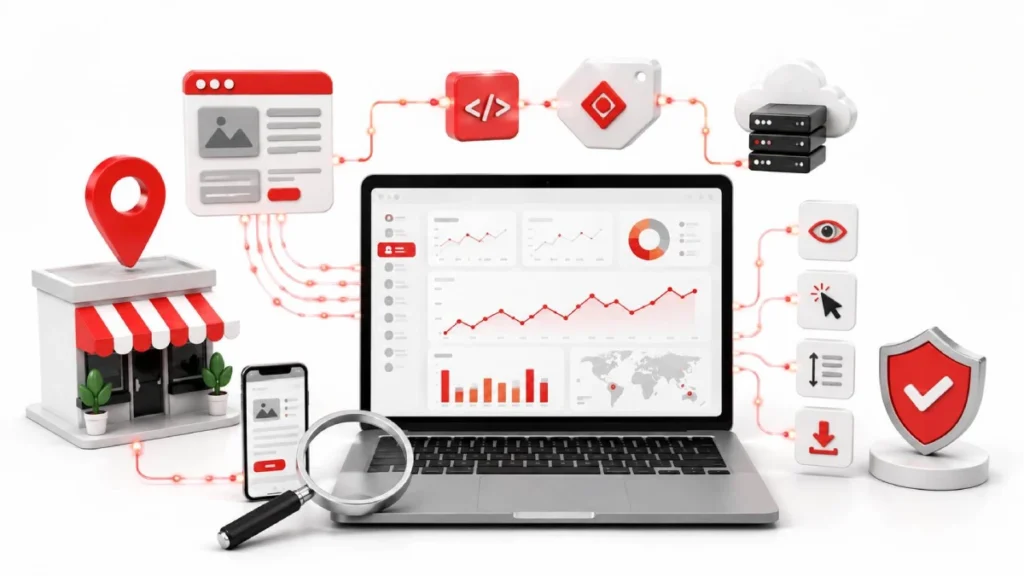
You set up Google Analytics 4 by creating an account, adding a property, and installing a tracking code. The whole process takes about 20 minutes. You need a Google account and access to edit your website.
Get this foundation right before you chase rankings or build content, because clean data starts here. First, make sure your site runs on HTTPS and loads fast, ideally under 2.5 seconds. Slow or unsecured sites can muddy your numbers from day one.
Create Your Account, Property, and Data Stream
Build your account, property, and web data stream in order, all from the Admin panel. Log in with Editor or Administrator access, then click the gear icon in the bottom-left corner.
- Create your account: Click Create Account, then enter your business name.
- Create your property: Add your business name in the property column.
- Set time zone and currency: Match both to your location, like Central Time and US Dollars.
- Add a data stream: Open Data Streams, pick Web, and enter your website URL.
This gives you a Measurement ID (G-XXXXXXXXXX). Copy it for the next step. The right time zone matters, since it aligns data with your local business hours.
Install the Tracking Code and Verify It’s Working
Install the code with Google Tag Manager, then confirm it fires in DebugView. Tag Manager keeps tracking separate from your site code, so you can update it without a developer.
- Add the container: Paste the two snippets into your site’s header and body.
- Create the tag: Add a Google Tag and paste your Measurement ID.
- Set the trigger: Choose All Pages so it fires on every load.
- Preview and publish: Test with Tag Assistant, then publish.
To confirm, open Admin, go to DebugView, and visit your own site. Live events should appear in seconds. If not, disable ad blockers and check for duplicate codes.
Turn On Enhanced Measurement
Enhanced Measurement tracks common actions automatically, with no extra code. It captures events like scrolls, outbound clicks, and file downloads, saving you setup time.
Go to Admin, then Data Streams, and select your web stream. A few events matter most for local businesses:
- Page views: track visits to location pages, like your Dallas branch page
- Scrolls: show if visitors reach your address and phone in the footer
- Outbound clicks: catch taps to review sites, like Yelp or Google reviews
- File downloads: measure interest in menus, price lists, or booking forms
One quick tip. Turn off Form Interactions here if you track forms through Tag Manager. Otherwise, you may count the same lead twice.
How to See Where Your Visitors Come From
Use UTM tags to separate your Google Business Profile traffic from regular organic search. Without them, profile clicks blend into everything else, and you lose track of what your listing drives. Add these tags to your profile’s website URL: ?utm_source=google&utm_medium=organic&utm_campaign=gbp-listing. Keep them lowercase, skip spaces, and never tag internal links, since that erases the real source.
Also watch your AI search traffic from tools like ChatGPT, Perplexity, and Gemini. Industry data shows AI referrals can convert 4 to 23 times higher than organic search. Google added a native AI Assistant channel in May 2026, but it often undercounts, so a custom channel group catches these visitors correctly.
Connecting Google Search Console for Local Keyword Data
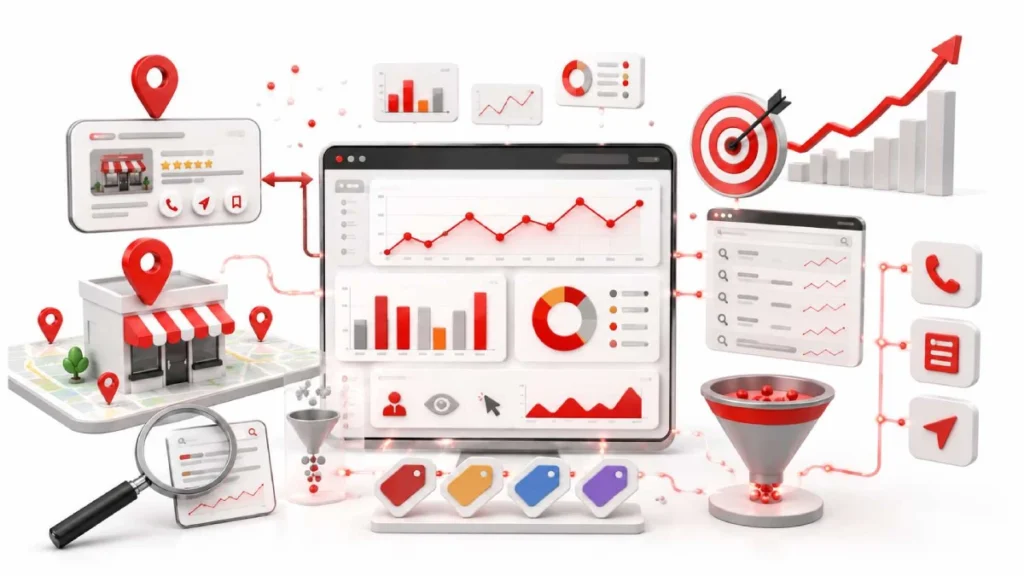
Link Google Search Console to Analytics to see which local keywords bring visitors to your site. Google Analytics shows what people do on your pages, but it hides the search terms that got them there. Search Console fills that gap and gives you 16 months of keyword history to spot trends, like “plumber near me” or “dallas dentist.”
To connect them, go to Admin, click Search Console Links, pick your verified property, and match your web stream. One catch trips up most people: the reports stay hidden until you publish them under Reports, then Library. Just note that keyword data arrives with a 48-hour delay, so recent numbers may look low.
Keeping Your Data Clean and Trustworthy
Filter out your own visits and payment redirects so your reports show real customer behavior. Small local sites skew easily, since a few staff visits inflate your numbers fast. Fix this with an IP filter: go to Admin, then Data Streams, click Configure tag settings, and define your office IP. Then open Data Filters and switch it from Testing to Active.
The second issue is sneakier. Tools like Stripe, PayPal, and Calendly can hijack your sales credit. When a visitor pays and returns, Analytics counts it as a new visit, so the sale gets tied to PayPal, not Google Maps. Stop this by adding those domains to your unwanted referrals list. Now your sales point back to the channel that earned them.
Building a Simple Local SEO Dashboard
Use Looker Studio to combine your key local metrics into one free dashboard. No more jumping between tabs to check your numbers. A good dashboard blends three data sources: Google Analytics for on-site behavior, Search Console for keyword data, and Google Business Profile for local actions like calls and directions.
Connecting the tools is mostly plug-and-play. Analytics and Search Console link to Looker Studio directly from the connector list. Google Business Profile is the tricky one, since it has no native connector, so you’ll need an outside tool likeCoupler.io orWindsor.ai to pull that data in. One tip: add a location filter at the top to view one branch at a time, like your Dallas store versus your Austin store.
Your Monthly Local SEO Check-In
Check your key metrics once a month, then pick one thing to improve. Daily checking drives you crazy. The numbers bounce around too much. Monthly trends tell the real story. You don’t need a huge report. You need answers to three simple questions. Are more people finding you? Are they taking action? And is your work paying off?
Watch these four numbers in Google Analytics each month:
- Local traffic: visitors landing on your service or location pages
- Conversions: calls, form fills, and direction requests
- Engagement rate: how much visitors interact before leaving
- Search clicks and CTR: pulled from your Search Console reports
Look for trends, not single spikes. A steady rise in calls means your local visibility is growing. A drop in traffic signals a page or ranking problem worth checking. Then take one action. Don’t fix everything at once. Update a slow location page, add fresh photos, or answer new reviews. Small, steady moves beat big rushed changes every time.
FAQs
What does Google Analytics do for local SEO?
Google Analytics shows what visitors do after they find your local business online. It tracks on-site actions like calls, form fills, and clicks that your rankings create.
How long does it take to set up Google Analytics 4 for a local business?
Setting up Google Analytics 4 takes about 20 minutes. You create an account, add a property, install the tracking code, and turn on Enhanced Measurement.
Do I need coding skills to install Google Analytics?
No, you do not need coding skills to install Google Analytics. Google Tag Manager lets you add and update tracking without a developer.
Can I see which local keywords bring visitors to my site?
Yes, you can see local keywords by linking Google Search Console to Analytics. Search Console reveals terms like “plumber near me” and gives you 16 months of history.
How do I separate Google Business Profile traffic from regular organic search?
Add UTM tags to your profile’s website URL to separate that traffic. Keep tags lowercase, skip spaces, and never tag internal links.
What happens if I don’t filter my own visits in Google Analytics?
Your reports show inflated, misleading numbers if you don’t filter internal visits. Set up an IP filter for your office and switch it to Active.
Is Google Analytics free for small businesses?
Yes, Google Analytics 4 is free for small businesses. You also get free access to Search Console and Looker Studio for a full dashboard.
Conclusion:
Google Analytics turns your local SEO guesswork into clear numbers. Set up GA4 in about 20 minutes, install the tracking code, and turn on Enhanced Measurement. Use UTM tags to separate your Google Business Profile traffic, link Search Console for keyword data, and keep your reports clean by filtering internal visits and payment redirects.
From there, pull everything into one Looker Studio dashboard and check your metrics once a month. Look for trends, not spikes, and fix just one thing at a time. Small, steady moves grow your local visibility over time.
Set up your free Google Analytics account today and start turning local clicks into paying customers.
11 August 2026
Local SEO KPIs: What to Measure and Why...

11 August 2026