Around 46% of Google searches carry local intent, yet most small business owners cannot tell if their Local SEO actually drives sales. You post updates, chase reviews, and check rankings every week. Still, your calls stay flat, and competitors keep climbing above you on the map.
The real problem is not your effort. It is that you are tracking the wrong numbers, like impressions and views, instead of leads, calls, and store visits. Meanwhile, nearby plumbers, dentists, and cafés quietly steal your customers using cleaner data.
This guide fixes that. You will learn which metrics matter, how to set up tracking step by step, which free and paid tools to use, and how to read your data like a pro. By the end, you will know exactly what is working and what to fix.
Key Points:
- Track three layers: visibility, engagement, and outcomes.
- Focus on map pack rankings, profile actions, and conversions.
- Set up 5 tools: GBP, Search Console, GA4, geo-grid tracker, and call tracking.
- Check weekly for reviews and ranks, report monthly for trends and ROI.
- Avoid mistakes like broken UTM tags and national rank tracking.
- Prepare for AI search, since 68% of local searches now show AI Overviews.
What Tracking Local SEO Performance Really Means and Why It Matters?
Tracking Local SEO performance means measuring three things. How visible you are in nearby searches. How people interact with your listings. And how many of them turn into paying customers. It covers three layers. Visibility, across platforms like Google Search, Google Maps, and Apple Maps. Engagement, on your Google Business Profile. And outcomes, like calls or store visits.
Google ranks local results using three signals: relevance, distance, and prominence. So your business can rank first from a nearby street, yet vanish when searched from two miles away.
This matters because local search drives real customers daily. Around 46% of Google searches carry local intent, and 76% of people who run a “near me” search visit a store within 24 hours. Without tracking, you cannot see which listings bring calls or visits, so nearby competitors like plumbers, dentists, and cafés quietly take your customers.
The Core Local SEO Metrics You Should Track
The core Local SEO metrics fall into three groups: visibility metrics, engagement metrics, and outcome metrics. Together, they show whether people find your business, interact with your listing, and turn into paying customers.
Tracking only one group creates blind spots. High rankings mean little if nobody calls or books, so you need all three working together to see the full picture.
Visibility Metrics
Visibility metrics show how often your business appears in local searches. This spans platforms like Google Search, Google Maps, and Apple Maps. The main ones are map pack rankings, organic rankings for geo-keywords like “dentist in Chicago,” and citation consistency across directories like Yelp, Foursquare, and Bing Places. Landing in the top three map pack spots brings 126% more traffic than positions four through ten.
Engagement Metrics
Engagement metrics measure how people react once your listing shows up. Watch profile actions on your Google Business Profile like calls, direction requests, and website clicks, plus review signals like star ratings, review count, and response rate. Review signals make up around 17% of Google’s map pack ranking factors, and 78% of shoppers skip any business rated below 4.0 stars.
Outcome Metrics
Outcome metrics track the real business results from local search, such as leads, bookings, and revenue. Focus on local organic sessions in GA4, key events like form submissions, click-to-call taps, and booking completions, plus offline actions like store visits and phone inquiries. A strong local landing page usually converts between 15% and 30% of its visitors.
How to Set Up Local SEO Tracking (Step by Step)
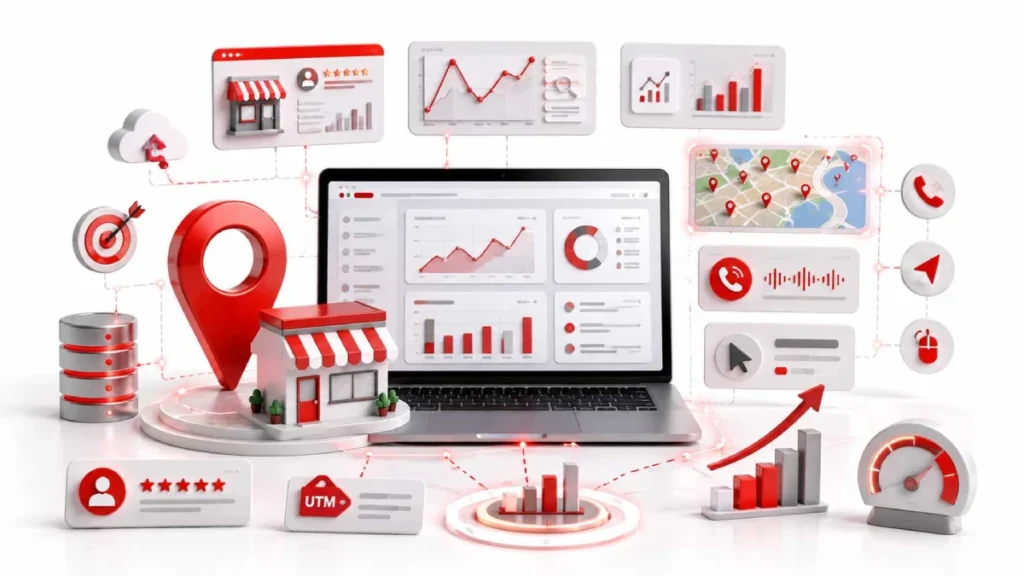
To set up Local SEO tracking, connect five tools: Google Business Profile, Google Search Console, Google Analytics 4 (GA4), a geo-grid rank tracker, and a call tracking system.
Each tool measures a different aspect of performance, from search visibility to customer phone calls. Start with the free tools, then add paid ones like BrightLocal, Local Falcon, or CallRail as your budget grows.
Step 1: Turn On Google Business Profile Performance
Open your Google Business Profile and click the “Performance” tab to see views, calls, direction requests, and website clicks. Check it weekly to catch sudden drops or spikes early.
Step 2: Connect Google Search Console
Verify your website in Google Search Console, then filter reports by local queries and location pages. It shows impressions, clicks, and CTR for terms like “plumber near me” or “bakery in Austin”.
Step 3: Set Up GA4 With UTM Tags
Link GA4 to Search Console and Google Business Profile under Admin > Product Links. Then, add UTM tags to every GBP link, like utm_source=google, utm_medium=organic, and utm_campaign=gbp_profile. Without UTMs, mobile browsers like Chrome and Safari strip the referrer, so GBP visitors show up as “Direct” in your reports.
Step 4: Add a Geo-Grid Rank Tracker
Use a geo-grid tool like Local Falcon, BrightLocal, or Semrush Map Rank Tracker to check rankings across your service area. Start with a 9-point grid (3×3), then expand to 16 points if your service radius covers over 20 miles.
Step 5: Set Up Call Tracking
Use a tool like CallRail to assign a unique phone number to your Google Business Profile. Set this as your Primary phone and move the real number to the Additional phone field. This keeps your NAP consistent while tracking every call from GBP.
Step 6: Track Reviews and Competitors
Set alerts for new reviews, ranking drops, and competitor changes using tools like BrightLocal, Whitespark, or GatherUp. A steady flow of 3 or more reviews per week signals healthy prominence to Google.
Best Tools to Track Local SEO Performance
The best tools to track Local SEO performance fall into three tiers based on budget and business size. Pick your stack based on how many locations you run and how much manual work you want to avoid.
- Free tools cover the basics for most small businesses. Google Business Profile, Google Search Console, GA4, and Google Trends will get you started.
- Affordable paid tools cost around $20–$50 a month. Local Falcon handles geo-grid scans. BrightLocal covers citations and reviews. SE Ranking runs site audits. CallRail tracks calls.
- All-in-one platforms suit agencies and multi-location brands. Semrush Local, Whitespark, Yext, and Uberall handle rankings, listings, and reporting all in one place.
Paid tools become worth it once manual tracking eats more than 3 hours a week. Until then, the free stack usually gives small businesses enough data to make smart decisions.
Tracking Differences by Business Type
Local SEO tracking changes based on your business type: brick-and-mortar shops, service-area businesses, and multi-location brands each need a different focus. The metrics stay the same, but the priorities shift.
- Brick-and-mortar shops like cafés, salons, and dental clinics should track direction requests, store visits, and location reviews, with QR codes at the counter to collect fresh feedback.
- Service-area businesses like plumbers, electricians, and mobile groomers should hide their address and track map pack visibility across each ZIP code, plus calls and post-job SMS reviews.
- Multi-location brands like restaurant chains and franchise networks should track each branch separately using URLs like /locations/chicago/ and watch for duplicate listings and cannibalization.
Businesses in the top 3 map pack spots earn 93% more direct actions than those in positions 4 through 10, so always track visibility per location, not as one company-wide number.
How to Read the Data: A Diagnostic Playbook
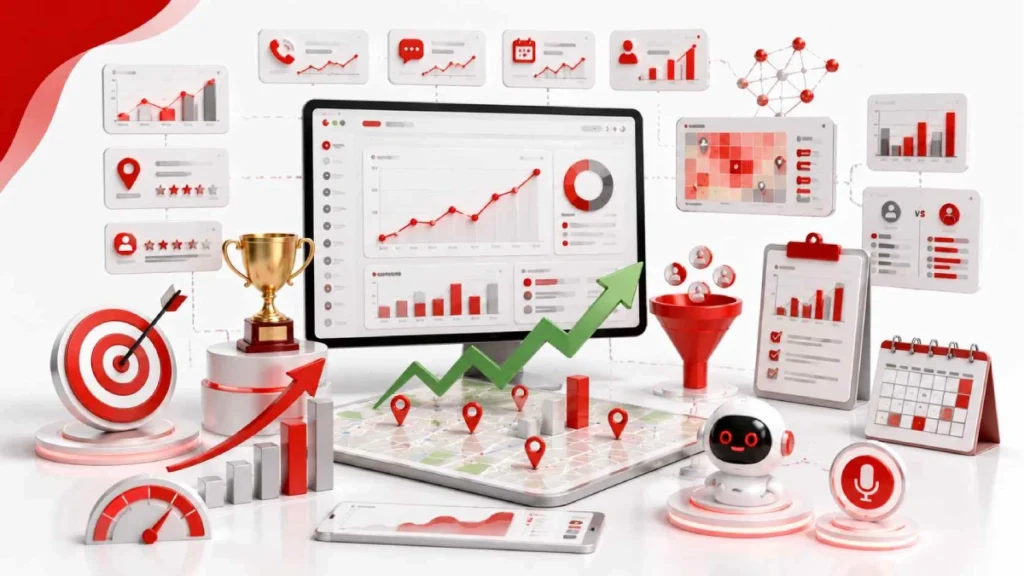
Reading Local SEO data means matching each problem with its likely cause. If rankings hold but leads drop, check for stale photos and low review velocity. Broken UTM tags often push direct traffic in GA4 above 20%.
Sudden map pack drops point to suspensions, category overwrites, or spam reviews. Low CTR with high impressions means weak metadata. A healthy account keeps direct traffic under 20% and reviews above 4.5 stars.
How to Build a Simple Local SEO Report
A simple Local SEO report runs on two cycles. Weekly checks catch health signals early. Monthly reports show trends and prove ROI. Keep it short. Focus on numbers that actually drive decisions. Skip vanity metrics like raw impression counts , they look good but don’t tell you much.
What to Check Weekly
Weekly checks catch problems early before they damage rankings or reviews. Focus on live signals like new reviews, calls, and rank shifts:
- New reviews, ratings, and response time within 24 to 48 hours
- Weekly calls, direction requests, and messages on your Google Business Profile
- Rank changes for 5 to 10 core keywords like “dentist near me” or “plumber in Dallas”
- One fresh photo and one new GBP post to signal activity to Google
What to Include in a Monthly Report
Monthly reports focus on trends, conversions, and how you stack up against nearby competitors like cafés, salons, or clinics. Use a 30-day window against the previous month to spot real movement:
- 90-day map pack geo-grid trend showing visibility gains or losses
- Search Console data covering impressions, clicks, CTR, and average position
- GA4 key events like form fills, calls, and bookings tied to utm_campaign=gbp_profile
- Citation health and duplicate listing fixes across directories like Yelp, Foursquare, and Bing Places
- Competitor benchmarks on review count, star rating, and top-ranking keywords
A CTR between 3% and 8% and 3 or more new reviews per week signal a healthy Local SEO account.
Common Local SEO Tracking Mistakes to Avoid
The most common Local SEO tracking mistakes come from bad setup, weak data hygiene, and rushed decisions. These small errors quietly break your reports and lead to wrong strategy calls.
- Tracking national rankings instead of local ones: National tools hide block-by-block gaps, so always use geo-grid trackers like Local Falcon or BrightLocal.
- Ignoring organic results and only watching the map pack: Organic listings drive 29% of local click share, so both matter equally.
- Overreacting to daily rank shifts: Daily rankings jump due to user proximity and reviews, so judge trends over 90-day windows.
- Inconsistent UTM tags: GA4 is case-sensitive, so utm_campaign=GBP and utm_campaign=gbp split your data into two rows.
- Skipping internal IP filters in GA4: Traffic from staff, developers, and site owners inflates sessions and conversions.
- Untagged links in PDFs and menus: Raw links strip source data, so tag every downloadable file with UTMs.
Fixing these six mistakes alone can cut misattributed traffic by up to 20% and give you cleaner reports within one month.
The Future of Local SEO Tracking: AI Search and Voice
The future of Local SEO tracking moves beyond Google rankings. It now includes AI answer engines like ChatGPT, Perplexity, and Google’s AI Overviews. Voice assistants like Siri and Alexa are part of this shift too. These tools don’t show ten blue links. Instead, they name just a few businesses in one answer.
That’s why getting cited matters more than ranking high. AI Overviews now appear in up to 68% of local-intent searches. And 45% of consumers use tools like ChatGPT or Perplexity to find nearby businesses.
Track which AI tools mention your brand. Watch referral traffic from chat.openai.com and perplexity.ai in GA4. Also, keep your name, hours, and address consistent across Apple Maps, Bing Places, and Google Business Profile. This matters even more for voice search, since 58% of people still use voice search for local queries.
FAQs
How Can You Tell If Your Local SEO Is Working?
Your Local SEO is working when map pack rankings, Google Business Profile actions, and conversions grow month over month. Track calls, direction requests, and form submissions to confirm real progress.
Can AI tools like ChatGPT replace Local SEO tracking?
No, AI tools like ChatGPT cannot replace Local SEO tracking. They can suggest strategies, but they do not track rankings, calls, or conversions in real time.
How long does Local SEO take to show results?
Local SEO usually takes 3 to 6 months to show real results. Google needs time to trust new listings, citations, and reviews before rankings improve.
How do I prove Local SEO ROI to my boss or client?
Prove Local SEO ROI by tying calls, form fills, and bookings back to search sources. Use call tracking tools like CallRail and GA4 key events, then compare local revenue against your SEO spend.
Conclusion :
Local SEO tracking rests on three layers: visibility, engagement, and outcomes. Visibility means showing up in nearby searches. Engagement means how people interact with your Google Business Profile. Outcomes are the calls, bookings, and store visits that prove it’s working. Start with free tools Google Search Console, GA4, and Google Business Profile. Add paid tools once you need deeper data. Focus on three things: geo-grid rankings, review velocity, and clean UTM tags.
Check your data weekly to catch problems early. Review monthly trends to prove ROI. And stay ready for AI answer engines like ChatGPT and Perplexity. Right now, 68% of local-intent searches trigger AI Overviews. That share will likely keep growing.
Ready to grow your local visibility? Pick 3 core metrics this week, set up your tracking stack, and review your first report in 30 days.

6 August 2026
How to Do a Local SEO Technical Audit...
6 August 2026